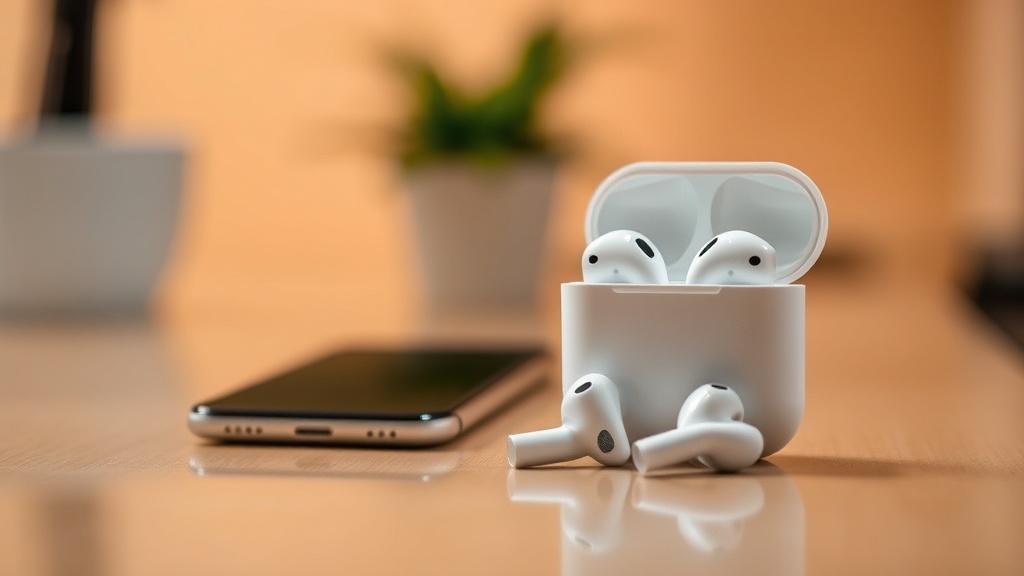
How to Clean Your iPhone and AirPods Safely

Most people believe that a quick dunk in a bowl of soapy water or a heavy spray of glass cleaner is the best way to sanitize their devices. This is a dangerous misconception that leads to more hardware failures than almost any other user-induced issue. If you use window cleaner or harsh household disinfectants on your iPhone or AirPods, you are likely stripping the oleophobic (oil-repellent) coating off your screen or forcing liquid into the internal circuitry. This guide provides a technical, safe method for cleaning your Apple hardware using the exact protocols recommended for maintaining device longevity without risking water damage or cosmetic degradation.
The Golden Rule: Avoid Liquid Direct Contact
The most critical rule of device maintenance is that liquids should never touch the device directly. Even though the iPhone 15 Pro or iPhone 14 models carry an IP68 rating for water resistance, that rating is not a permanent guarantee. Water resistance is a design feature meant to protect against accidental submersion, not a shield against the pressure of a direct spray. When you spray a liquid onto your screen, the surface tension can pull that liquid into the speaker grilles, the charging port, or the seams of the chassis.
Instead of spraying, you must apply a cleaning agent to a cloth first. This ensures that the moisture stays on the surface and does not seep into the microscopic gaps of the device. If you are dealing with a device that is already experiencing performance issues, such as your iPhone getting hot while charging, ensure the device is powered off before any cleaning begins to prevent short-circuiting.
Cleaning Your iPhone and iPad
Your iPhone is a high-touch device that accumulates skin oils, fingerprints, and bacteria daily. To keep it clean without damaging the specialized coatings, follow these specific steps.
1. Prepare the Device
Unplug all cables and remove any cases or covers. If you are using an Apple MagSafe charger, remove it from the back of the phone. Power the device down completely. This prevents any accidental electrical surges if a tiny amount of moisture finds its way into a port.
2. Choose the Right Tools
You should only use a lint-free, soft, non-abrasive cloth. A microfiber cloth—the kind used for high-end eyeglasses or camera lenses—is the industry standard. Avoid paper towels, facial tissues, or napkins; these materials are actually quite abrasive on a microscopic level and can leave tiny scratches on the glass or the matte finish of the titanium/stainless steel edges.
3. The Cleaning Process
- For the Screen: Dampen a small corner of the microfiber cloth with a tiny amount of water or a 70% isopropyl alcohol solution. The cloth should feel slightly damp, not dripping. Wipe the screen in a circular motion.
- For the Body and Back: Use the same damp cloth to wipe the glass back and the metal edges. If you have a matte finish on an iPad or an iPhone Pro model, be especially gentle to avoid uneven wear.
- For the Ports: Use a dry, soft-bristled brush (like a clean toothbrush or a specialized electronics brush) to gently flick out any lint or debris from the Lightning or USB-C port. Never use a toothpick or a metal paperclip, as these can bend the pins or scratch the internal housing.
4. Dealing with Stubborn Stains
If there is a stubborn smudge that won't come off with water alone, you may use 70% isopropyl alcohol wipes. Apple has explicitly stated that these are safe for the exterior surfaces of the iPhone. However, do not use bleach-based cleaners or anything containing hydrogen peroxide, as these will permanently damage the oleophobic coating that keeps your screen feeling smooth.
Cleaning Your AirPods and AirPods Pro
AirPods are significantly more delicate than iPhones. They contain sensitive microphones and acoustic meshes that are easily clogged by earwax and debris. Because they are small and have many moving parts, the risk of liquid ingress is much higher.
Cleaning the Ear Tips (AirPods Pro/AirPods 3rd Gen)
If you use the silicone ear tips, they can be removed for a deeper clean. You can wash them with water and a mild, non-abrasive soap. After washing, ensure they are completely dry before reattaching them to the AirPods. Never attempt to clean the actual electronic component of the earbud with water.
Cleaning the Mesh and Speaker Grilles
The most common issue with AirPods is the buildup of earwax on the black acoustic mesh. If this isn't cleaned, the audio quality will noticeably drop.
- Use a dry, clean, soft-bristled brush to gently sweep the mesh. Always hold the AirPods with the mesh facing downward. This ensures that any debris you dislodge falls out of the device rather than being pushed further into the internal driver.
- If the wax is particularly stubborn, you can use a very small amount of 70% isopropyl alcohol on a cotton swab. Ensure the swab is not "wet"—it should only be slightly moist. Wipe the mesh surface and immediately use a dry part of the swab to remove any residue.
Cleaning the Charging Case
The charging case often collects lint in the lid and dust in the charging port. Use a dry, lint-free cloth to wipe the exterior. For the inside of the case, use a dry cotton swab to clean the contact points where the AirPods sit. If the contacts are dirty, the AirPods may not charge correctly. Do not use liquid to clean these metal contacts, as it can lead to corrosion.
Common Mistakes to Avoid
Having seen countless "broken" devices that were actually just improperly cleaned, I want to highlight the most frequent errors made by users:
- Using Compressed Air: While tempting, compressed air can be too forceful. It can drive dust and debris deeper into the speaker grilles or even damage the delicate membranes of the microphones.
- Using Bleach or Windex: These are chemically aggressive. They will strip the coatings off your iPhone and can even degrade the plastic components of your AirPods case.
- Dipping in Liquids: Even with high water-resistance ratings, submersion for cleaning is a bad idea. The pressure of a liquid stream (like a faucet) can bypass the seals.
- Using Metal Tools: Never use a needle, pin, or paperclip to clear a charging port or a speaker hole. You will almost certainly cause permanent hardware damage.
Summary Checklist for Safe Cleaning
To ensure you are following the safest protocol, keep this checklist in mind before you start:
- Power Off: Is the device turned off and unplugged?
- Tool Check: Do I have a lint-free microfiber cloth and a soft brush?
- Liquid Control: Am I applying the liquid to the cloth, not the device?
- Orientation: For AirPods, am I holding them mesh-side down to prevent debris from falling in?
By following these professional-grade steps, you can maintain the aesthetic and functional integrity of your Apple ecosystem. A clean device isn't just about looks; it's about ensuring that the sensors, speakers, and charging ports work exactly as intended for years to come.