The One iPhone Setting That Instantly Doubles Your Battery Life (And Why Most People Miss It)

There’s a persistent myth that improving iPhone battery life requires drastic changes: disabling half your apps, lowering brightness to unreadable levels, or carrying a power bank everywhere. In reality, one overlooked setting delivers a disproportionate impact—and most users either ignore it or use it incorrectly.
The Setting That Actually Matters
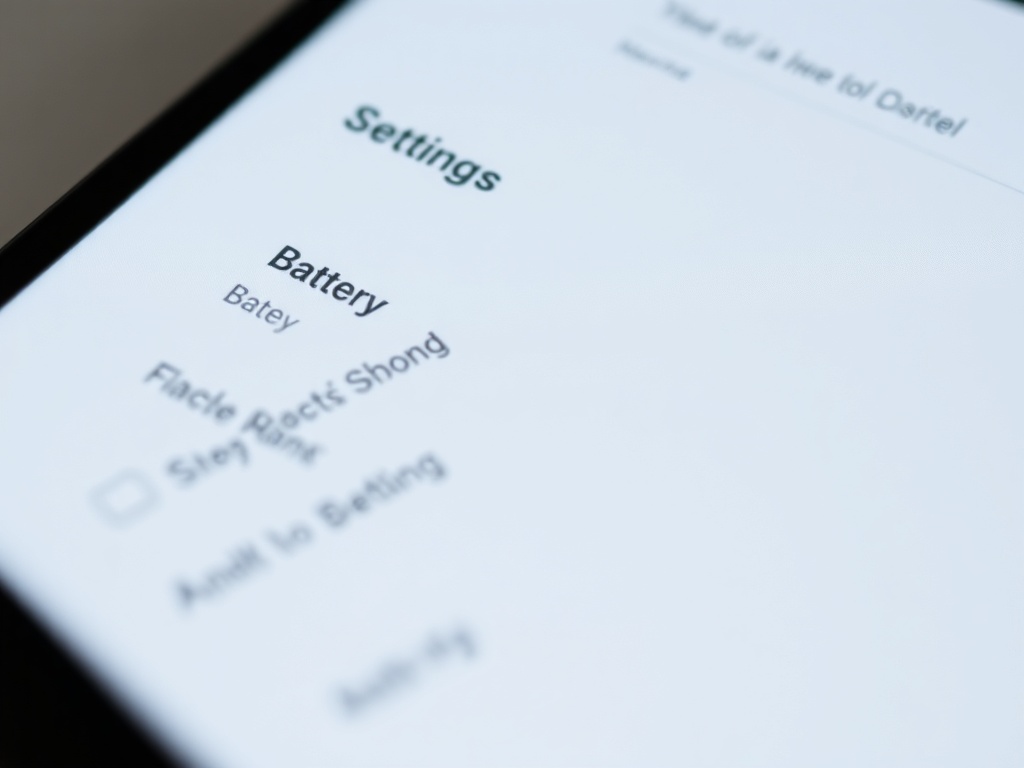
The setting is Background App Refresh. On paper, it sounds harmless: apps update content in the background so everything feels instant when you open them. In practice, it’s one of the most aggressive silent battery drainers on your device.
Every app refreshing in the background uses CPU cycles, network activity, and occasionally location services. Multiply that by dozens of apps, and your battery is quietly draining all day—even when you’re not using your phone.
Why Most People Use It Wrong
The mistake isn’t that people leave it on—it’s that they leave it on for everything.
Apple enables Background App Refresh broadly because it improves perceived performance. Social media apps preload feeds, email apps sync continuously, and shopping apps update deals you may never open.
But here’s the reality: only a handful of apps truly benefit from background refresh. The rest create noise, not value.
The Smart Way to Configure It
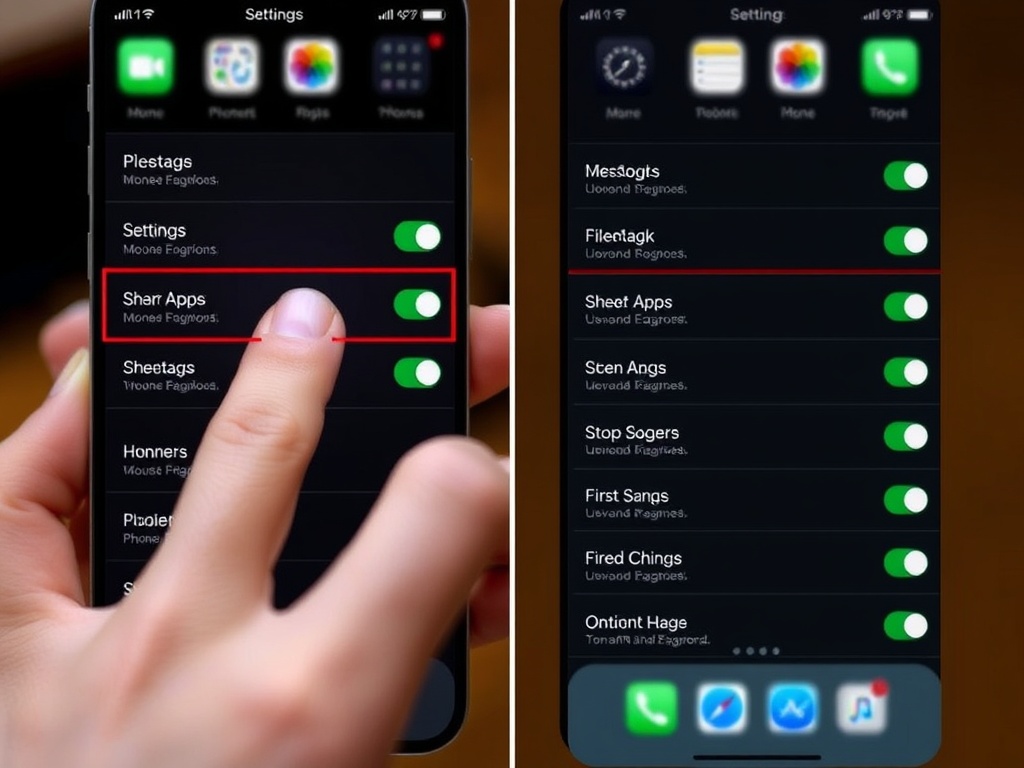
Instead of turning it off entirely, you want to curate it aggressively.
Go to:
- Settings → General → Background App Refresh
Then:
- Disable it for social media apps
- Disable it for shopping and entertainment apps
- Keep it enabled for essential apps like messaging, maps, or calendar
This selective approach preserves convenience where it matters while eliminating waste where it doesn’t.
What Happens After You Change It
Within a day, you’ll notice something subtle but important: your battery drain becomes predictable.
Instead of random drops throughout the day, your battery reflects actual usage. Screen-on time becomes the dominant factor again—not invisible background activity.
For most users, this translates to:
- 2–4 extra hours of real-world usage
- Less need for mid-day charging
- More consistent battery performance over time
Why This Works Better Than “Low Power Mode”
Low Power Mode is reactive. It limits performance after your battery is already low.
Background App Refresh optimization is proactive. It prevents unnecessary drain before it happens.
This distinction matters. Instead of restricting your phone when you need it most, you’re removing waste upfront while keeping full performance available.
Hidden Bonus: Better Performance
There’s a secondary effect most people don’t expect: your iPhone often feels faster.
With fewer apps competing for background resources:
- Foreground apps load more consistently
- System animations feel smoother
- Thermal throttling happens less often
Battery optimization and performance are linked. Reducing background chaos improves both.
When You Should Leave It Fully On
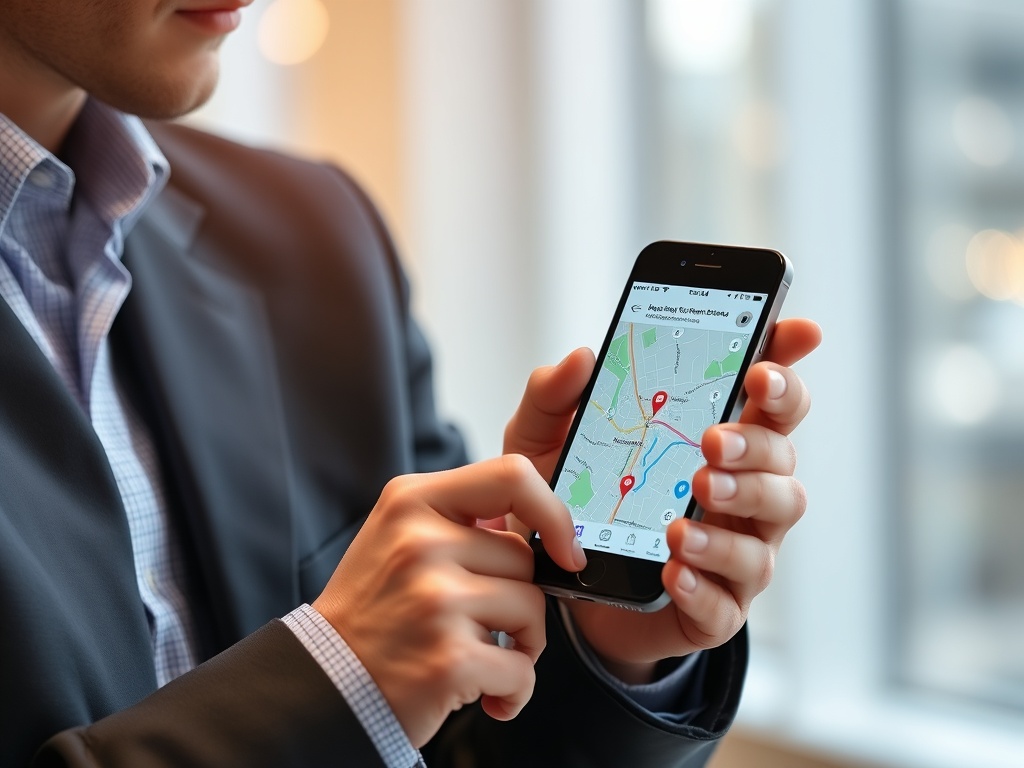
There are exceptions. If your workflow depends heavily on real-time updates, you may want broader access.
Examples include:
- Field work with navigation apps
- Critical email monitoring
- Time-sensitive communication tools
Even then, selective control still beats leaving everything enabled.
The One Rule That Changes Everything
If an app doesn’t save you time in the background, it shouldn’t run in the background.
This single rule cuts through the noise of endless “battery-saving tips.” It forces intentional decisions about what your phone should actually be doing when you’re not looking at it.
Once you apply it, your iPhone stops working against you—and starts working for you.
Final Thought
Battery life isn’t just about capacity—it’s about control. Apple gives you powerful tools, but it doesn’t enforce smart defaults. That part is up to you.
Most people chase complicated solutions. The better approach is eliminating waste at the source.
Start with Background App Refresh. You’ll feel the difference immediately—and you won’t need to compromise how you use your iPhone to get there.