The Complete Apple Ecosystem Guide: How to Make Your iPhone, Mac, iPad, and Apple Watch Work Seamlessly Together

Apple doesn’t just sell devices—it builds an ecosystem. And if you’re only using your iPhone or Mac in isolation, you’re leaving a lot of power on the table.
This guide shows you how to connect your Apple devices into one seamless system, unlock hidden features, and build workflows that actually save time.
Why the Apple Ecosystem Matters
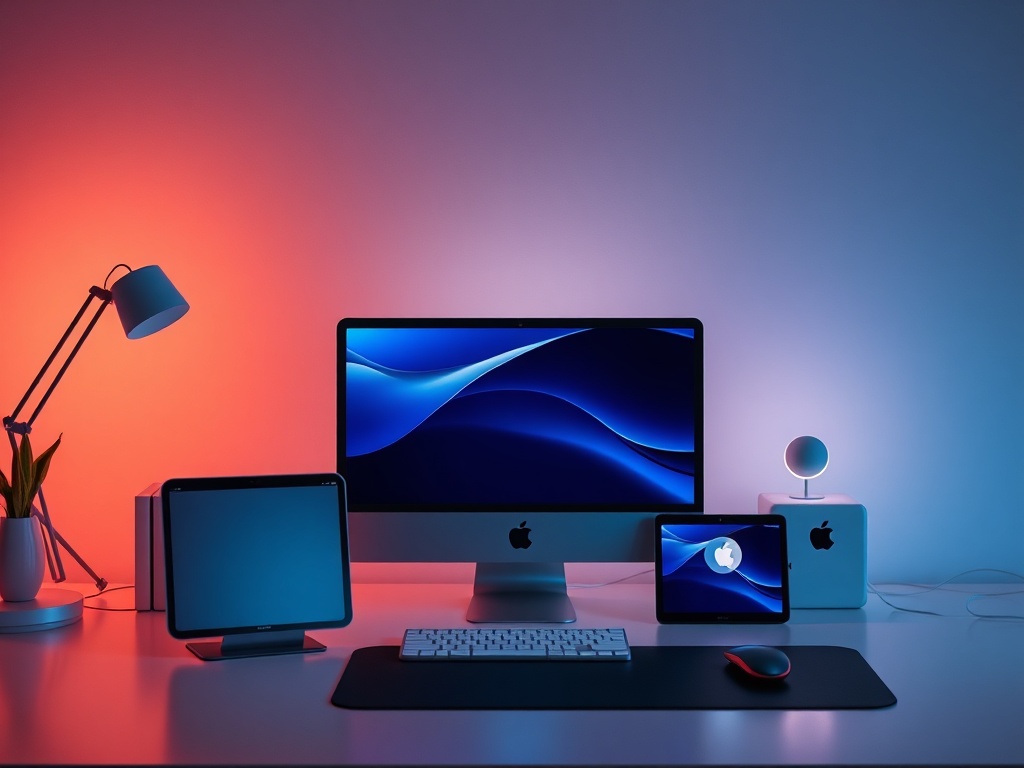
The real value of Apple products appears when they talk to each other. Features like Handoff, AirDrop, Universal Control, and iCloud syncing are designed to eliminate friction between devices.
Instead of thinking in terms of devices, think in terms of continuity. Start a task anywhere, finish it anywhere.
Core Requirements: What You Need First
Before anything works properly, make sure you have the basics locked in:
- One Apple ID across all devices
- iCloud enabled for key apps
- Bluetooth and Wi-Fi turned on
- Devices updated to recent OS versions
This sounds obvious, but most ecosystem issues come from mismatched Apple IDs or disabled services.
Handoff: Start Here, Finish There
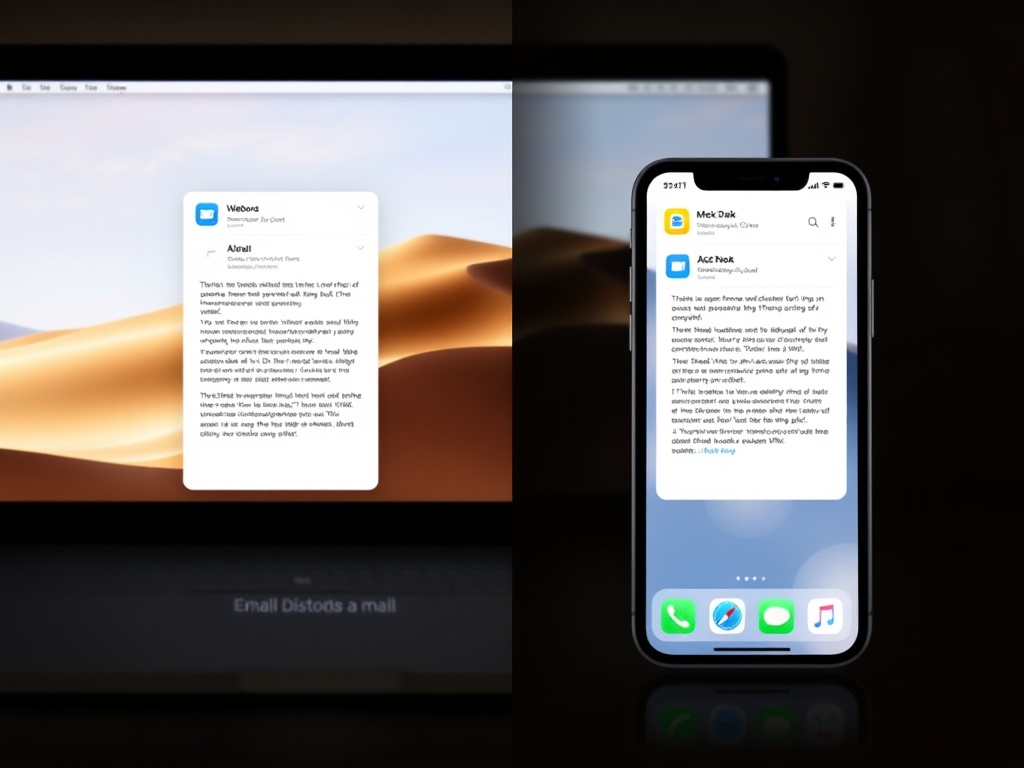
Handoff lets you move tasks between devices instantly.
Example: Start writing an email on your iPhone, then continue on your Mac without sending drafts or copying text.
- Works with Mail, Safari, Notes, Messages, and more
- Look for the small app icon on your dock or lock screen
Once you start using Handoff consistently, switching devices becomes effortless.
Universal Clipboard: Copy Once, Paste Anywhere
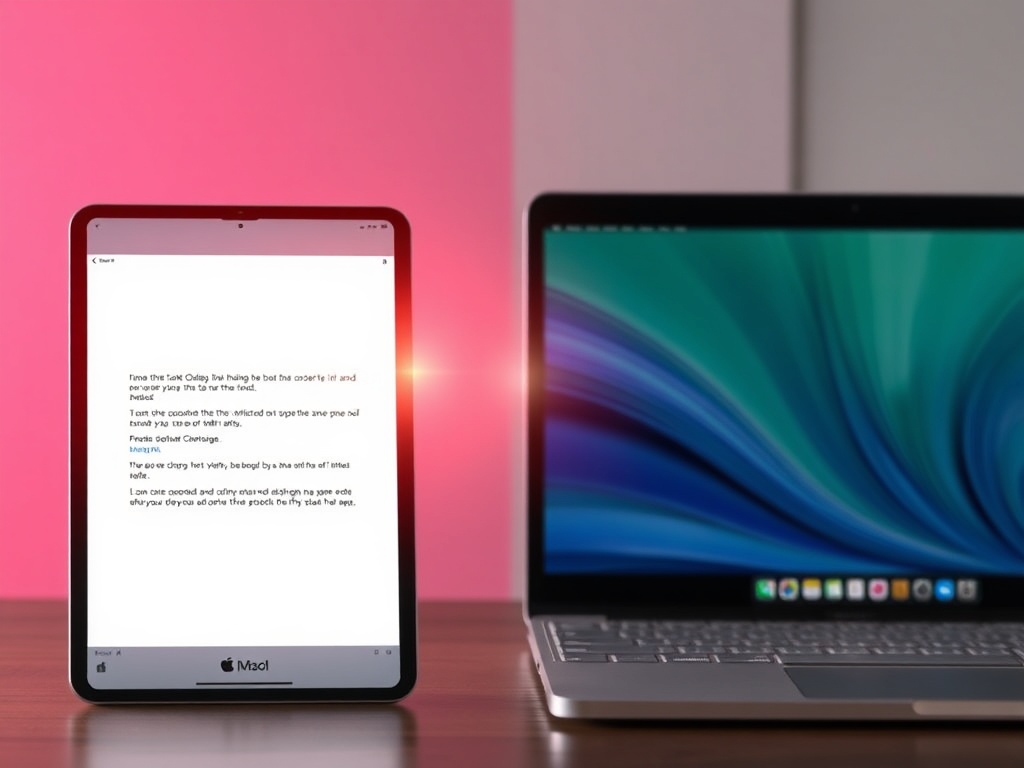
Copy text, images, or links on one device and paste them on another.
No setup beyond iCloud and Bluetooth—it just works.
This is one of the most underrated features in Apple’s ecosystem and instantly speeds up everyday tasks.
AirDrop: Fast File Sharing Without Friction
AirDrop is still the fastest way to send files between Apple devices.
- Photos, videos, documents, links
- No compression like messaging apps
- Works offline using peer-to-peer Wi-Fi
If you’re still emailing files to yourself, this is your upgrade.
iCloud Sync: Your Data Everywhere
iCloud is the backbone of the ecosystem.
Enable syncing for:
- Photos
- Notes
- Contacts
- Reminders
- Safari tabs
This ensures every device reflects the same state—no manual transfers required.
Universal Control: One Keyboard, Multiple Devices
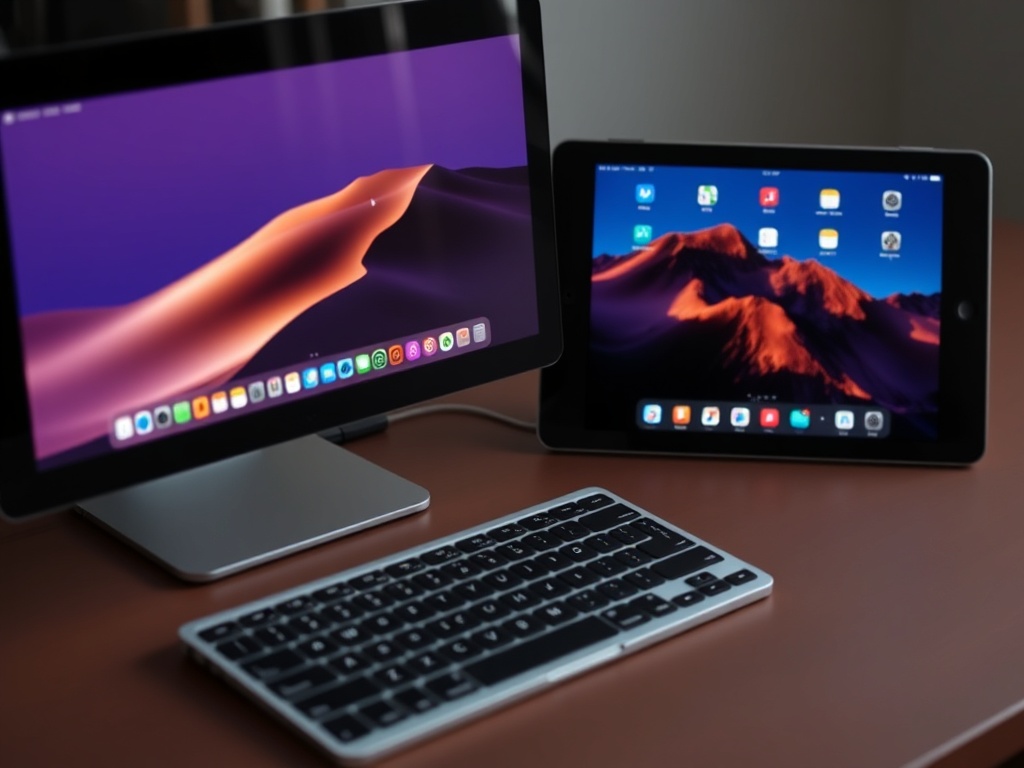
Universal Control lets you use one keyboard and mouse across your Mac and iPad.
You can drag files between devices like they’re part of the same machine.
It feels futuristic—and once you use it, it’s hard to go back.
Continuity Camera: Use Your iPhone as a Webcam
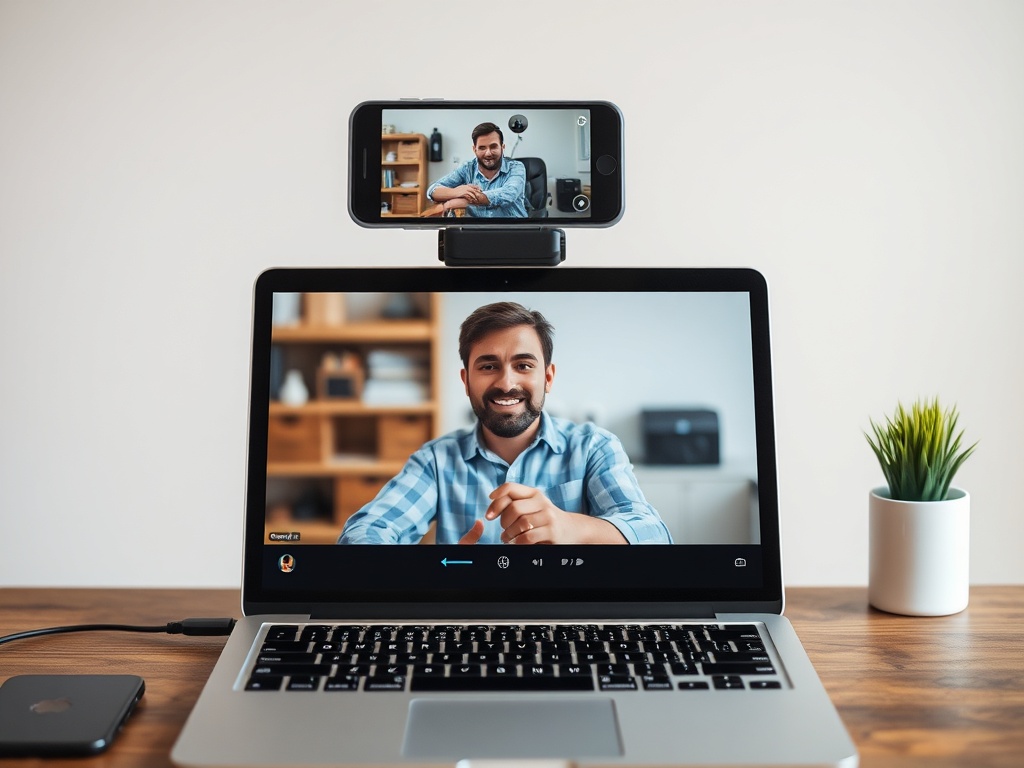
Your iPhone camera is better than most webcams. Apple lets you use it instantly.
- Automatic connection when near your Mac
- Desk View and Center Stage features
This is one of the easiest upgrades for remote work quality.
Apple Watch Integration: Small Device, Big Impact
The Apple Watch adds subtle but powerful automation:
- Unlock your Mac instantly
- Approve app installs and passwords
- Track health data synced to iPhone
It reduces friction in ways you don’t notice—until it’s gone.
Focus Modes: Sync Your Attention Across Devices
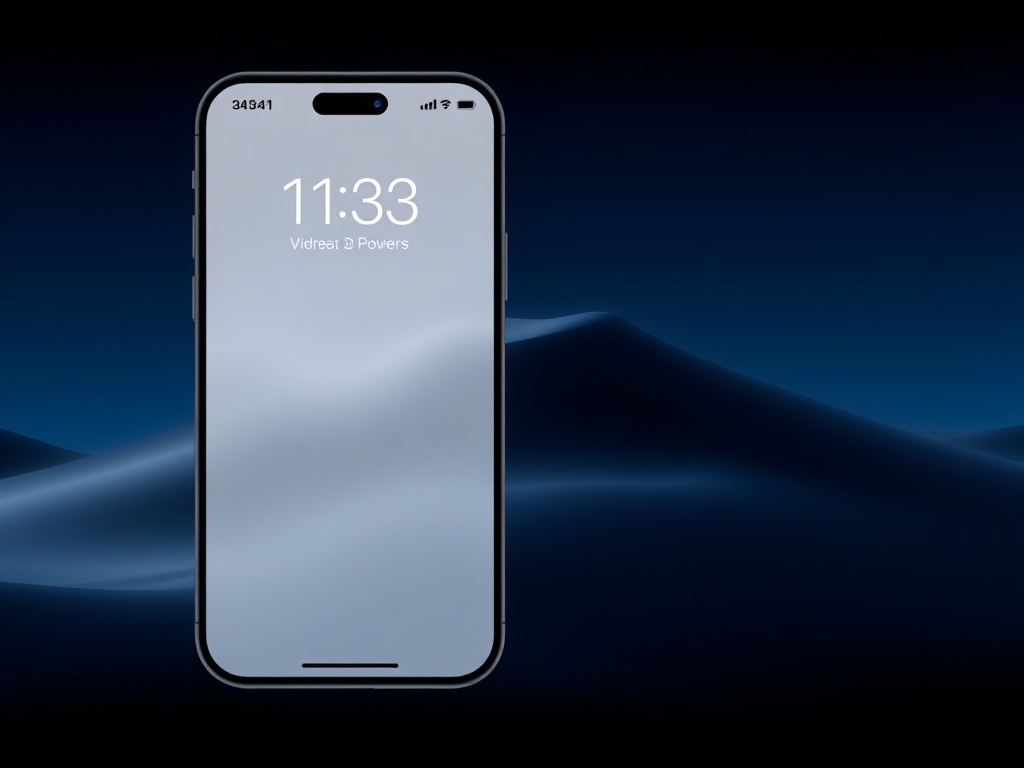
Focus modes sync across all your devices.
Set "Work" on your iPhone, and your Mac and iPad follow automatically.
This creates a distraction-free environment that travels with you.
Best Ecosystem Workflows You Should Try
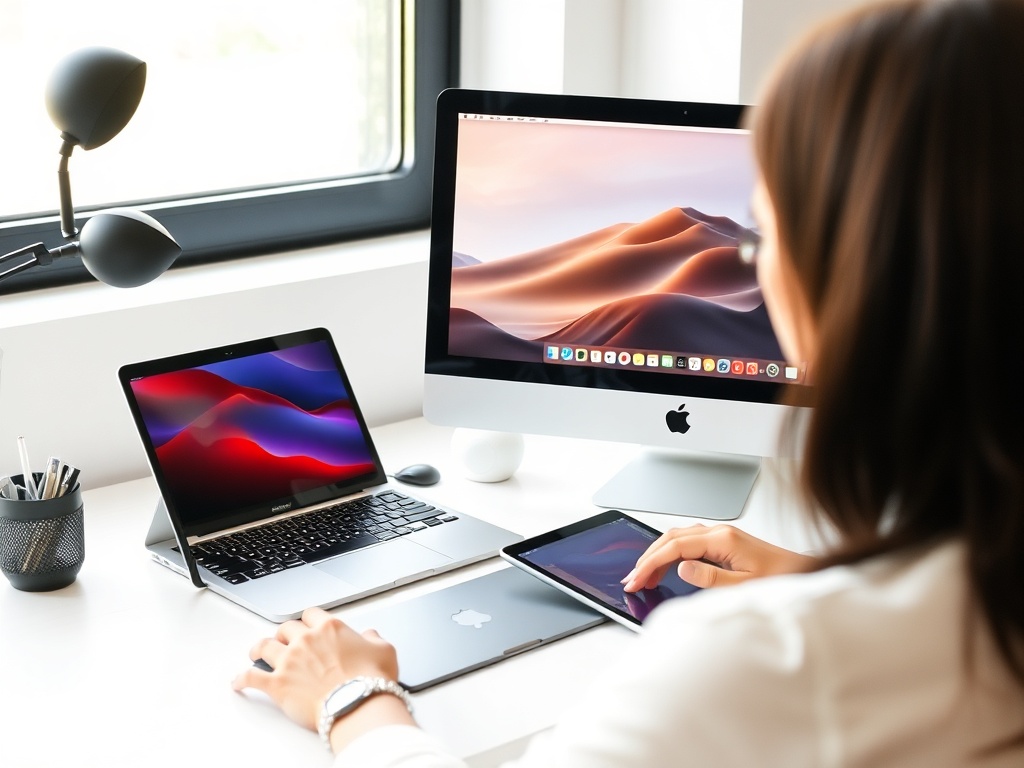
- Capture on iPhone → Edit on iPad → Finalize on Mac
- Scan documents with iPhone → instantly appear on Mac
- Use iPad as second display (Sidecar)
- Start browsing on one device → continue on another
Once you build habits around these workflows, your devices stop feeling separate.
Common Problems (And Fixes)
- Handoff not working: Check Bluetooth + same Apple ID
- AirDrop failing: Set visibility to Everyone temporarily
- iCloud not syncing: Toggle off/on and check storage
Most issues are simple settings problems—not hardware failures.
Final Take: Stop Using Apple Devices in Isolation
The Apple ecosystem isn’t about specs—it’s about integration.
When everything is connected, you save time, reduce friction, and create a smoother workflow across your day.
If you own multiple Apple devices, the real upgrade isn’t buying more—it’s using them together properly.