MacBook Air M4 Review: Still the Best Laptop for Most People

The bottom line: If you were waiting for the "perfect" entry-level MacBook Air, this is it. The M4 chip itself is a modest, incremental step up from the M3, but the decision to make 16GB of RAM the standard starting point is the actual headline. It fixes the single biggest usability complaint of the last three years. If you already own an M3, don't bother upgrading; if you're on an Intel Mac or an M1, this is a massive leap forward.
Who this is for (and who should skip it)
This machine is built for the "heavy" casual user—students, writers, and general office professionals who keep twenty Chrome tabs, a Slack workspace, and a massive Notion database open simultaneously. The 16GB of unified memory makes this a much more resilient machine for multitasking than its predecessors.
Buy this if: You want a reliable, lightweight laptop with class-leading battery life and you don't want to worry about system slowdowns when you have too many apps open. It’s the quintessential "daily driver."
Skip this if: You are a heavy video editor or a professional coder. While the M4 is snappy, the thermal constraints of a fanless design mean you'll hit a ceiling during long, intensive renders. In those cases, you should be looking at a MacBook Pro with active cooling. Also, if you already own an M2 or M3 model, the performance gains here won't justify the cost of a new machine.
What’s genuinely good: The 16GB Standard and Battery Longevity
Let’s get technical for a second. In my time at the Genius Bar, the most common complaint wasn't actually the processor speed—it was memory pressure. We saw so many users hitting the swap file because 8GB just isn't enough for modern web workflows. By making 16GB the base specification for the $1,099 model, Apple has finally addressed the most significant dealbreaker for long-term usability.
The M4 chip provides a noticeable boost in single-core performance, which makes the OS feel incredibly snappy when launching apps or scrolling through heavy web pages. However, the real-world benefit isn't just in the peak speeds; it's in the stability. I spent a week running a heavy workflow—Spotify, Zoom, a dozen Chrome tabs, and a local Lightroom catalog—and the system didn't stutter once. The 16GB of unified memory handles the heavy lifting that used to choke the 8GB models.
Then there is the battery life. Apple claims 18 hours, and while I rarely get the full 18 in real-world usage, I am consistently getting 14 to 15 hours of actual work time. For a digital nomad or someone who works from coffee shops without hunting for an outlet, that reliability is a huge part of the value proposition. The Liquid Retina display remains one of the best in its class for brightness and color accuracy, even if it isn't a Pro-level XDR panel.
What’s genuinely bad: The Storage Bottleneck and Lack of Innovation
If there is a nitpick that keeps this from being a perfect machine, it’s the storage configuration. Starting at 256GB is still a stingy move for a 2025 machine. Even with the improved RAM, you are going to find yourself constantly managing your iCloud storage or carrying an external SSD if you keep a lot of high-res photos or local files on your machine. It’s a frustrating way to start a conversation about a premium device.
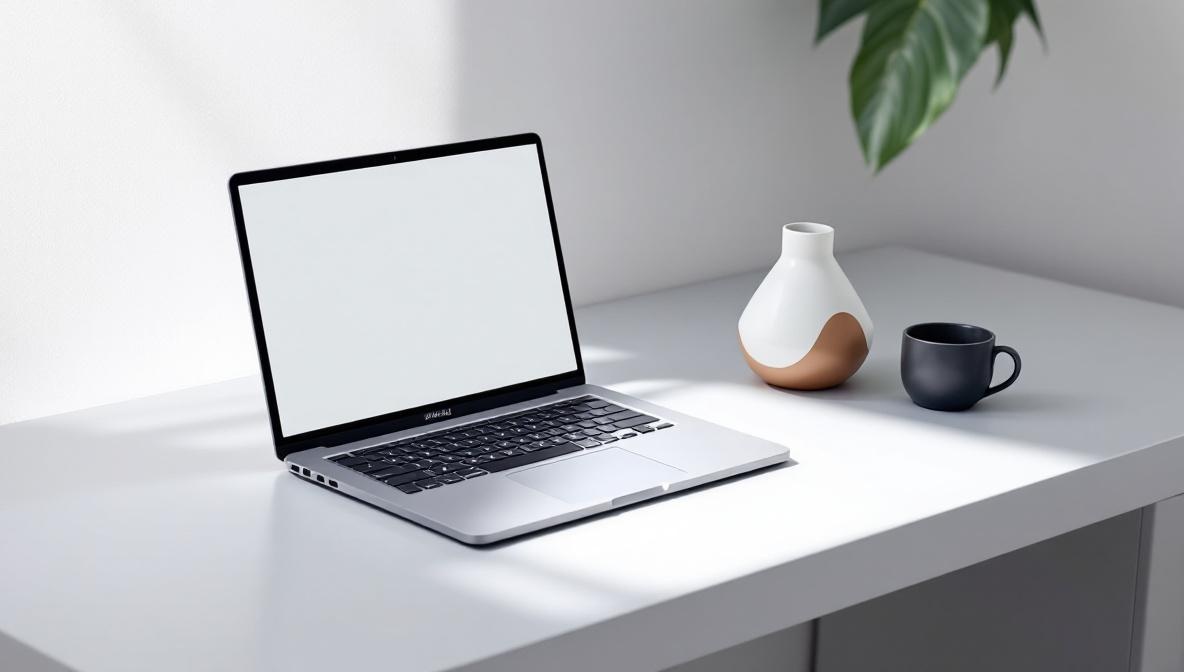
Furthermore, the design is entirely stagnant. It is the exact same chassis as the M2 and M3. While the design is excellent—thin, light, and the Midnight color is much better at resisting fingerprints than the previous version—it feels like Apple is coasting. There is no new way to interact with the machine, no new ports, and no new form factor. It’s a refinement, not a reinvention.
The Ecosystem Angle: The Apple Tax is Real
Owning this MacBook Air is a choice to stay within the walled garden. If you use an iPhone, the way the Air integrates with your clipboard, your iMessage, and your AirDrop is solid. It’s not just a convenience; it’s a workflow. However, you have to be aware of the ecosystem lock-in. If you decide to move to a Windows-based workflow later, moving your files and managing your peripheral compatibility can be a headache.
Also, be prepared for the Apple tax when you try to upgrade. If you want 24GB of RAM or a 512GB SSD, the price jumps are aggressive. Apple makes it very easy to start at $1,099 and very easy to end up spending $1,500 without realizing how quickly the increments add up.
Comparison: MacBook Air vs. The World
How does this stack up against the competition? It depends on what you value.
- vs. Dell XPS 13: The XPS 13 is a beautiful machine with a gorgeous display, often feeling a bit more "premium" in its Windows implementation. However, the MacBook Air wins on battery life and thermal management. The XPS can get quite warm under load, and the M4 chip's efficiency is still in a different league.
- vs. Lenovo ThinkPad X1 Carbon: If you are a keyboard enthusiast or a corporate power user, the ThinkPad is the gold standard. Its keyboard tactile feel and port selection (usually more diverse than the two Thunderbolt ports on the Air) make it a better tool for heavy typing and legacy connectivity. But the MacBook Air feels more modern and has a much more cohesive, high-end build quality.
In my experience, the MacBook Air is the better "generalist" machine. The Windows machines often feel like they are trying to be either a high-end productivity tool or a media machine, whereas the Air manages to sit comfortably in the middle with a very high level of polish.
Bottom Line
The MacBook Air M4 (2025) is a refined, highly capable laptop that finally fixed its most glaring weakness: the base RAM. It is a solid, dependable machine that excels at the things most people actually do on a computer.
Final Price Context: At $1,099 for 16GB/256GB, it is a fair entry point. If you can stretch your budget to the 512GB model, do it—the storage limitation is the only thing that will truly frustrate you in the long run. If you are looking for a machine that will last you the next four to five years of general computing, this is the one to buy.