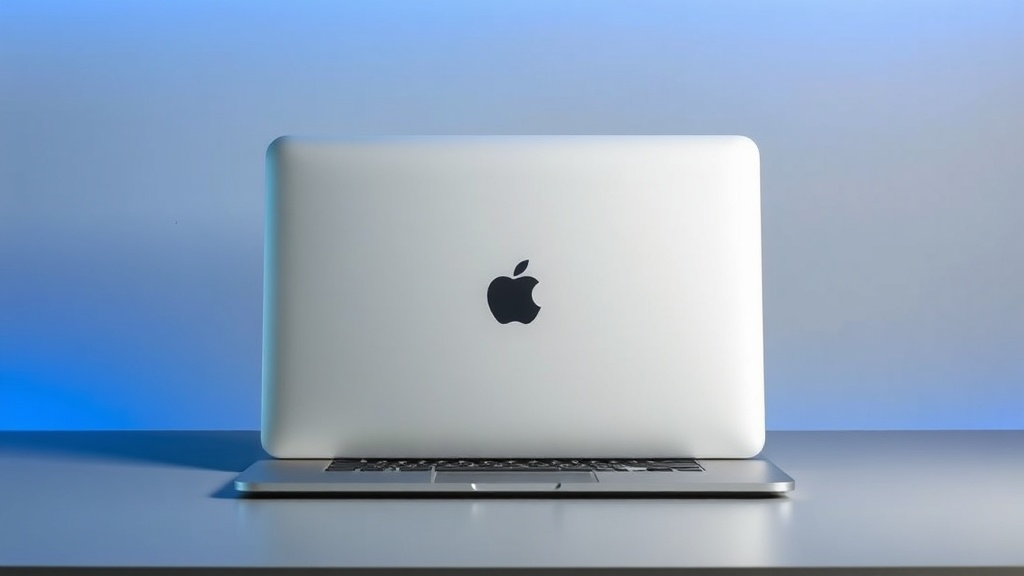
M4 MacBook Air Review: The 16GB Base RAM Changes Everything

Is the M4 MacBook Air worth it in 2026? Yes, with one important caveat: only if you can still get it at the right price.
The real story was never just the M4 chip bump. It was Apple moving the base model to 16GB unified memory, which finally made the entry configuration feel like the one normal people should buy instead of immediately upgrade.
Quick Verdict
- Rating: 9/10
- Best for: Students, remote workers, writers, developers, and basically anyone who wants a fast, light laptop without Pro-level pricing
- Skip if: You do sustained 4K+ video exports, heavy 3D workflows, or you specifically need more ports and active cooling
- Price context: Launched at $999 (13-inch) and $1,199 (15-inch) on March 5, 2025. As of March 5, 2026, I’m seeing remaining stock around $899 at Best Buy for the 13-inch base config.
The Take
After extended daily use, here’s my honest assessment: the M4 MacBook Air is the first base Air in years that I can recommend without adding “…but you should probably pay for more RAM.”
That sentence alone tells you why this model matters.
What’s Genuinely Good
1) 16GB base RAM fixes the old “8GB tax” problem
For years, Apple started the Air at 8GB, and plenty of people hit memory pressure fast: browser tabs, Slack, Zoom, Spotify, Photos, a couple docs, maybe light photo editing, and suddenly swap starts climbing.
On this model, my normal workday load (20+ Chrome tabs, Messages, Slack, Apple Music, Notes, Calendar, and occasional Lightroom touches) stays far more stable. In Activity Monitor, memory pressure stays green most of the day instead of flirting with yellow every time I stack meetings with tab-heavy research.
That is a real-world improvement you feel, not just benchmark noise.
2) Performance is snappy where most people live
App launches, wake-from-sleep, browser multitasking, and office workflows are all instant-feeling. The Air still nails the thing most people actually care about: it disappears and lets you work.
If you’re upgrading from M1, the jump is noticeable in responsiveness under load and background tasks.
3) Battery life is still solid
Apple rates it up to 18 hours video / 15 hours wireless web on the 13-inch model, and in practical mixed use I still call it an all-day machine.
No fan noise, low heat in normal workflows, and excellent standby behavior.
4) External display support is finally less annoying
M4 Air supports up to two external 6K displays (with the built-in display), which removes one of the older Air pain points for desk setups.
For hybrid workers bouncing between couch and desk monitor mode, this matters more than people think.
What’s Not Great
1) 256GB base storage is still tight in 2026
RAM got fixed. Storage at base is still the compromise. If you keep large photo/video libraries locally, 256GB will feel cramped quickly.
2) Limited ports are still limited ports
Two Thunderbolt/USB4 ports plus MagSafe and a headphone jack is fine, not generous. If you live on SD cards, HDMI, ethernet, or multiple peripherals, you’ll need a hub.
3) The “Apple tax” didn’t disappear, it shifted
The base model is finally sensible, but Apple’s upgrade pricing for memory/storage is still expensive. Configure-to-order can push Air pricing close enough to Pro territory that you have to stop and do the math.
The Ecosystem Factor
This is still where MacBook Air beats most Windows alternatives for day-to-day sanity:
- iPhone tethering and hotspot handoff just work when you need it.
- AirDrop remains one of those features you miss instantly when you leave Apple.
- iMessage + calls on Mac are a bigger productivity boost than spec sheets admit.
But yes, ecosystem lock-in is real. If your phone is Android and you don’t use other Apple gear, some of this value disappears.
Who Should Buy This
- M1 MacBook Air owners: Yes, this is a meaningful upgrade if you keep laptops for years. Better multitasking headroom, better camera, better external display support.
- M2/M3 Air owners with 8GB who hit slowdowns: Probably yes. This is exactly who benefits from the 16GB baseline.
- M2/M3 Air owners with 16GB and no issues: No. Keep what you have.
- People choosing first MacBook: Yes, if you can still get the M4 at a discount. It’s the sweet spot.
M4 Air vs 14-inch MacBook Pro (The Question Everyone Asks)
For average buyers, the 14-inch Pro is increasingly overkill.
Get the Pro if you need:
- sustained heavy workloads where active cooling helps,
- the extra ports,
- mini-LED display advantages for pro media work,
- and consistent high-load performance over long sessions.
Otherwise, the M4 Air does the everyday stuff just as fast for less money and less weight.
Compared To Alternatives
vs Apple alternative: 14-inch MacBook Pro
- Pro wins: ports, sustained performance, display tech
- Air wins: price-to-performance for normal workloads, portability, value
vs non-Apple alternative: Dell XPS 13
- XPS 13 can match or beat Air pricing depending on sales and has a strong premium design.
- MacBook Air still tends to win on battery consistency, trackpad quality, and ecosystem integration (if you use iPhone).
Should You Buy M4 Air or Just Get M5?
Because Apple introduced M5 MacBook Air on March 3, 2026, this is now a value decision, not a “latest model” decision.
- If M4 is discounted heavily (roughly $150–$250 under its original MSRP), it’s a fantastic buy.
- If pricing is too close to M5, buy M5 and move on.
Bottom Line
At its launch price, the M4 Air was already a strong recommendation. At discounted pricing in early 2026, it’s arguably the best laptop value Apple has offered in years.
The 16GB base RAM is what changed everything. It turned the default config from “technically usable” into “actually right for most people.”
If you’re coming from M1 or an 8GB Air that keeps choking under multitasking, this is the upgrade you’ll feel on day one.
This post contains affiliate links. If you purchase through these links, I earn a small commission at no extra cost to you. Affiliate relationships never influence my reviews or recommendations.