Apple Ecosystem Explained: Why It Feels Effortless (And When It Doesn’t)

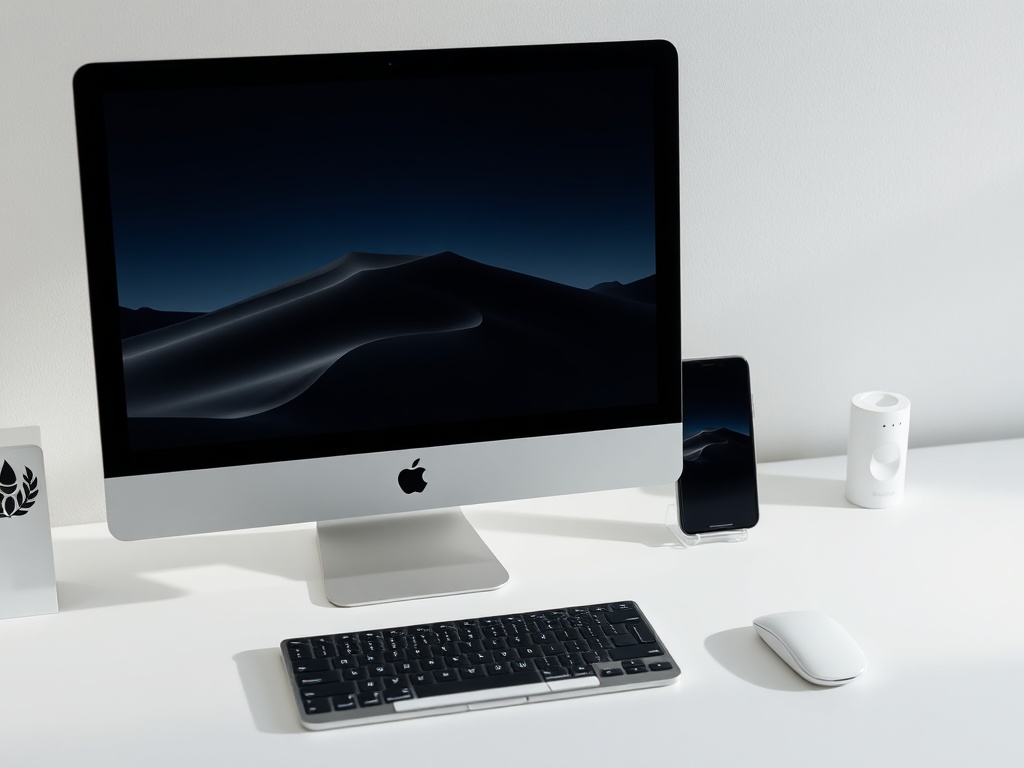
Apple doesn’t sell devices. It sells continuity. That’s the real product—and it’s why someone who buys an iPhone often ends up with a MacBook, AirPods, Apple Watch, and maybe even an iPad within a year or two.
The promise is simple: everything works together. The reality is more nuanced. When it works, it feels like magic. When it doesn’t, it’s frustrating in very specific, Apple-shaped ways.
This is a clear-eyed breakdown of how the Apple ecosystem actually works in 2026—what it gets right, where it quietly locks you in, and who should (and shouldn’t) go all-in.
The Core Idea: Continuity Over Specs
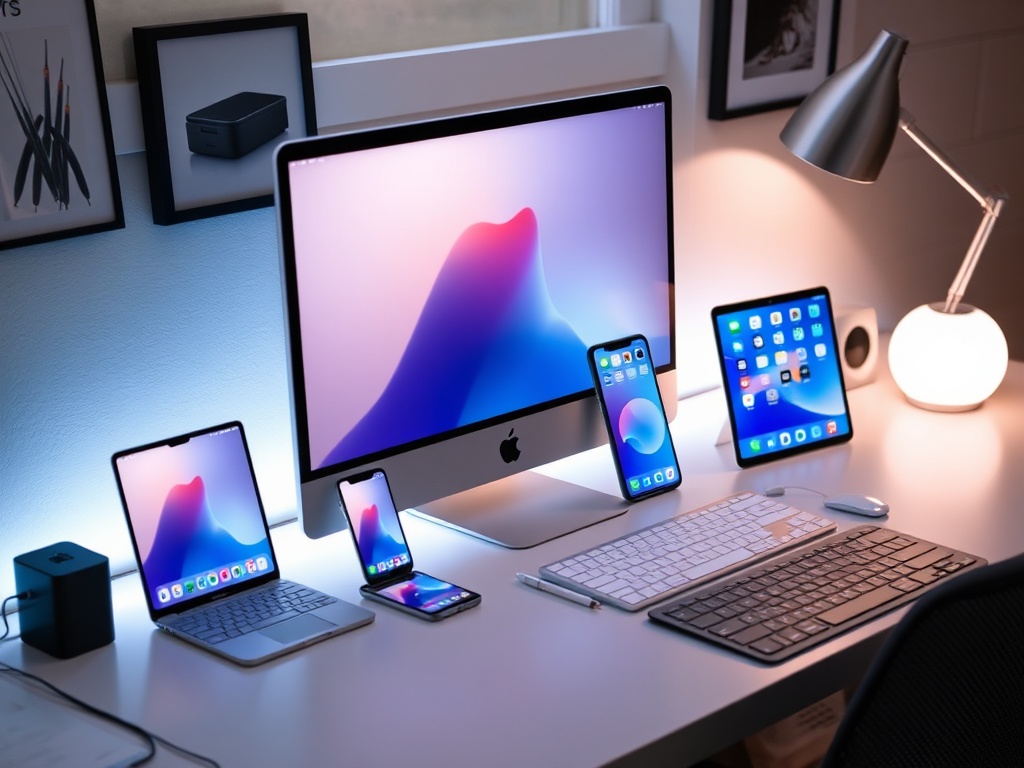
Most tech companies compete on specs: faster chips, brighter displays, more megapixels. Apple competes on experience between devices.
Features like Handoff, AirDrop, Universal Clipboard, and Continuity Camera are designed to remove friction between devices. You start writing an email on your iPhone and finish it on your Mac. You copy text on your iPad and paste it instantly on your MacBook.
Individually, these features aren’t revolutionary. Together, they create a workflow that feels cohesive—and hard to leave.
What Apple Gets Unreasonably Right
There are three areas where Apple’s ecosystem is genuinely ahead of everyone else.
1. Device Handoff That Actually Works
Handoff sounds boring until you rely on it. Writing notes, browsing Safari, replying to messages—everything flows across devices without setup headaches.
The key detail: Apple controls both hardware and software. That eliminates compatibility issues that plague cross-platform ecosystems.
2. AirDrop Is Still Untouchable
AirDrop remains the fastest, least annoying way to send files between devices. No pairing rituals, no apps, no compression surprises.
Android alternatives exist, but they still feel like features. AirDrop feels like infrastructure.
3. Apple Watch Integration
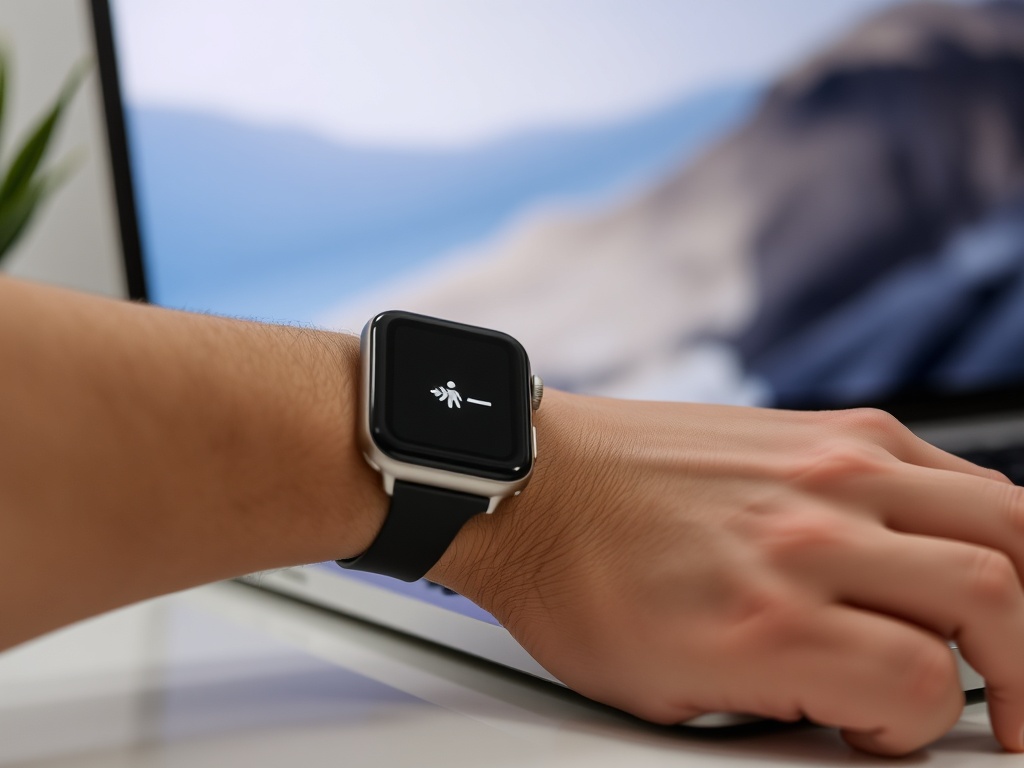
The Apple Watch isn’t just a smartwatch—it’s an extension of the iPhone. Unlocking your Mac automatically, approving authentication requests, tracking health data seamlessly—these small interactions add up.
The Hidden Cost: Lock-In Is Real
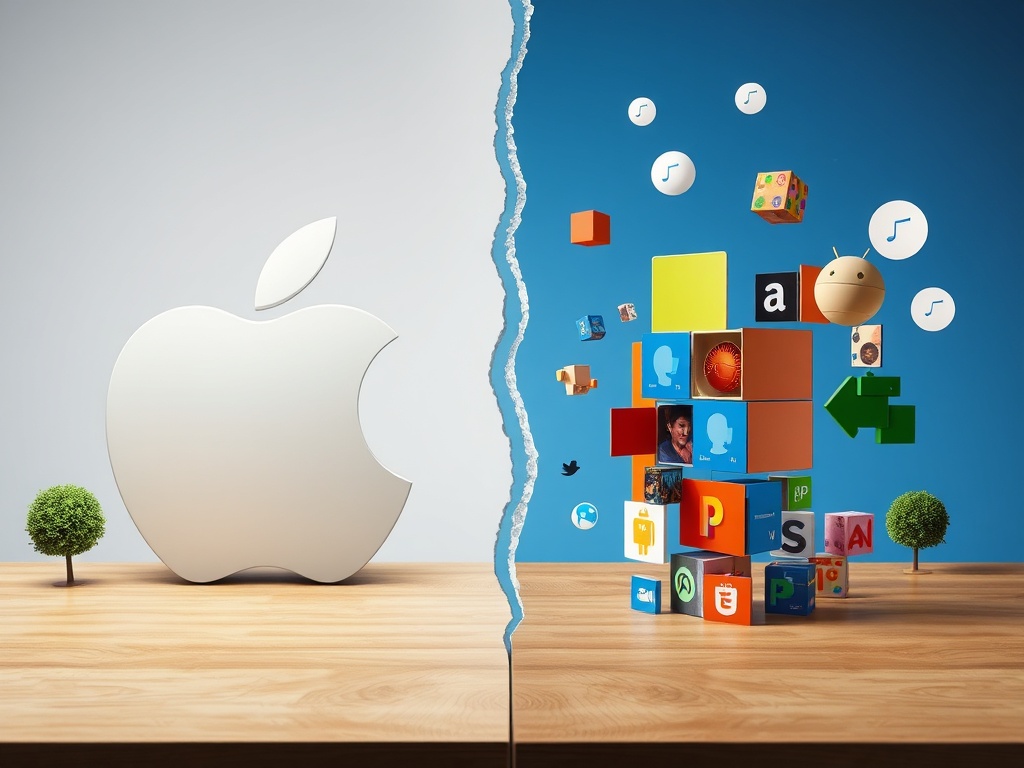
Apple rarely forces you to stay. It just makes leaving inconvenient.
Once you rely on iMessage, iCloud Photos, AirDrop, and shared Apple services, switching platforms introduces friction everywhere:
- Losing iMessage continuity
- Manual photo transfers
- Weaker cross-device workflows
This isn’t accidental. It’s strategic. Apple’s ecosystem is designed to feel incomplete if you remove a piece.
Where the Ecosystem Breaks Down
Despite the polish, there are clear limitations.
iCloud Still Feels Like a Weak Link
iCloud has improved, but it’s not as flexible or transparent as competitors like Google Drive. Sync issues are rare—but when they happen, they’re opaque.
Limited Customization
Apple prioritizes consistency over control. That means fewer settings, fewer workarounds, and fewer ways to tailor the experience beyond what Apple allows.
Cross-Platform Friction
If you use Windows, Android, or mixed environments, the ecosystem loses much of its advantage. Apple’s features are optimized for Apple-only setups.
Who Should Buy Into the Apple Ecosystem
The ecosystem shines for specific types of users:
- Students and professionals who move between devices constantly
- Content creators who benefit from seamless media transfer
- People who value simplicity over deep customization
If your workflow depends on speed and minimal friction, Apple’s integration pays off daily.
Who Should Think Twice
Not everyone benefits equally.
- If you prefer maximum control and customization, Apple will feel restrictive
- If you rely on cross-platform tools, the advantages shrink
- If you upgrade devices frequently across brands, lock-in becomes a downside
The Real Advantage: Time Saved
The biggest benefit isn’t a feature—it’s time.
Fewer setup steps. Fewer compatibility issues. Fewer interruptions between tasks. Over weeks and months, that compounds into a noticeably smoother digital life.
That’s what Apple is really selling: fewer moments of friction.
Final Take
The Apple ecosystem isn’t perfect. It’s curated, controlled, and occasionally restrictive. But it delivers something competitors still struggle with: a cohesive experience across devices that feels intentional.
If you stay entirely inside it, it rewards you. If you step outside, you feel the seams.
That’s not an accident. It’s the design.