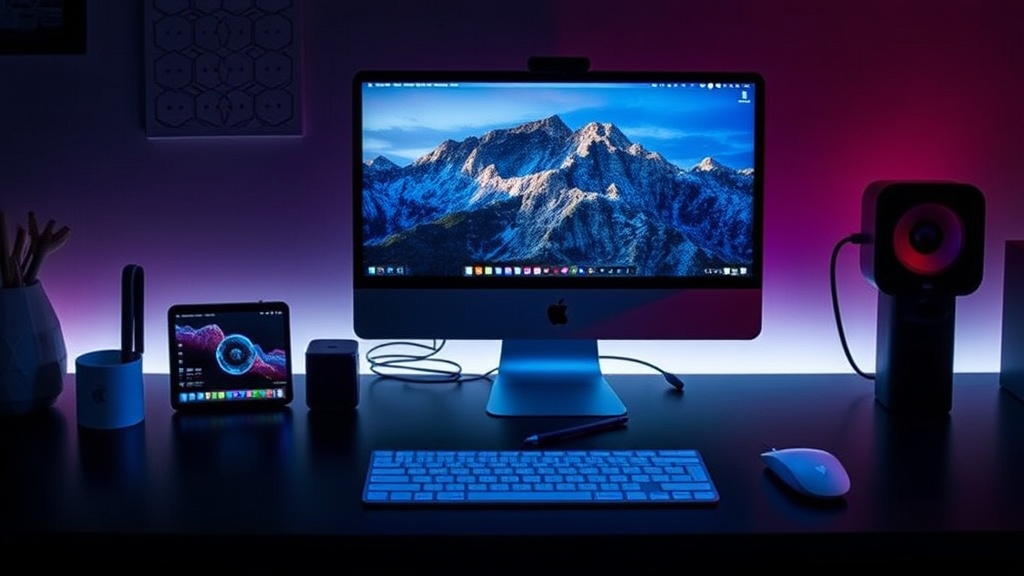
12 Must-Have Apple Accessories That Actually Improve Your Daily Workflow

Apple devices are polished out of the box—but the right accessories unlock a completely different level of productivity, comfort, and longevity. This isn’t about flashy add-ons. It’s about tools that quietly remove friction from your day.
Below is a curated list of Apple accessories that genuinely earn their place on your desk, in your bag, or on your wrist.
1. MagSafe Charger Stand (Not Just a Cable)
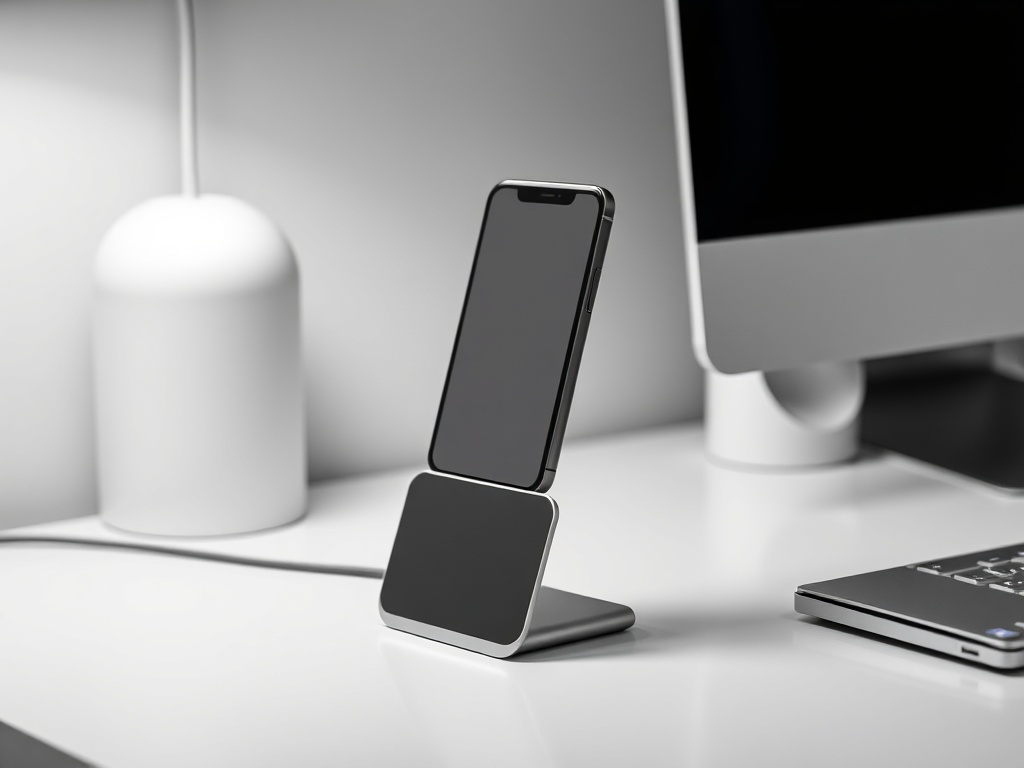
A MagSafe stand turns charging into a passive habit instead of a chore. Drop your iPhone, and it snaps into place—perfect angle for notifications, FaceTime, or StandBy mode.
Why it matters: It reduces friction. No cables. No thinking. Just consistent charging.
2. AirPods Pro (For Focus, Not Just Music)
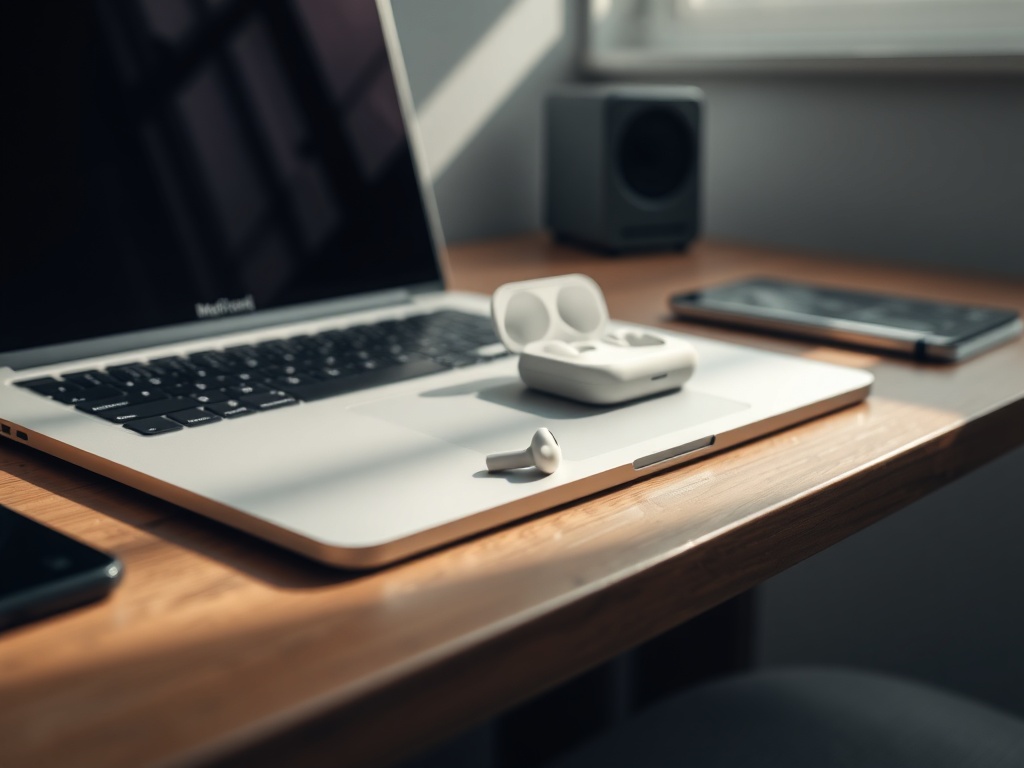
Noise cancellation isn’t a luxury—it’s a productivity multiplier. AirPods Pro create a controlled audio environment whether you're in a café or a chaotic home office.
Best use: Deep work sessions, calls, or travel.
3. iPad as a Second Display (Sidecar Setup)
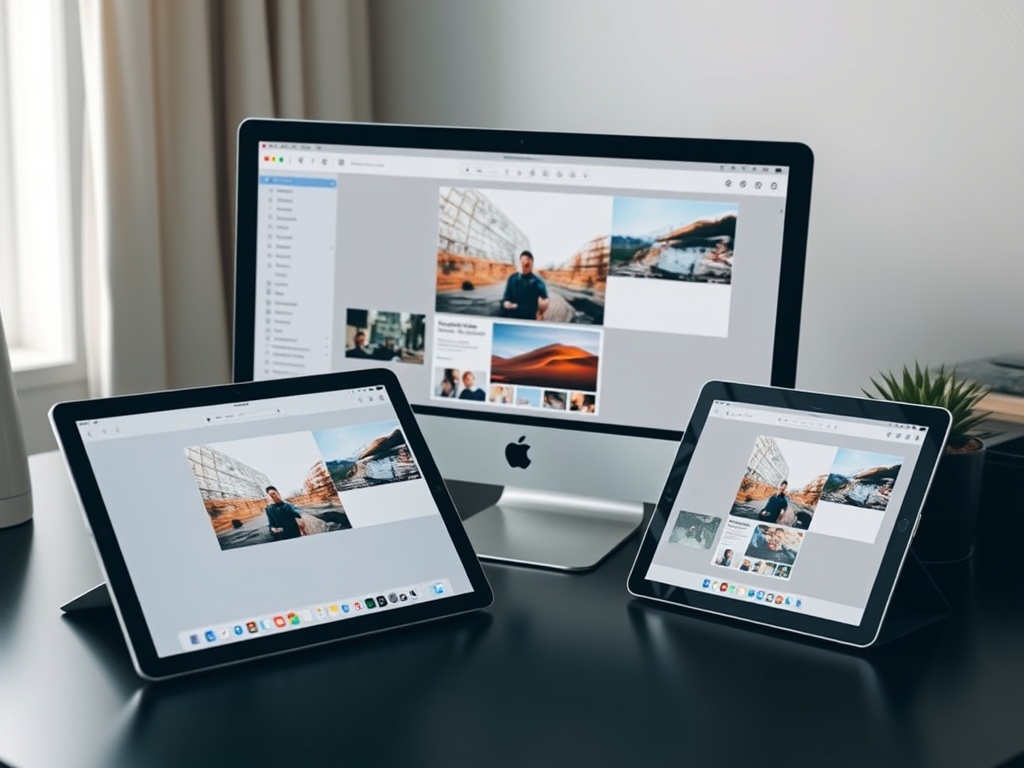
If you own both a Mac and an iPad, you're sitting on an underused productivity setup. Sidecar turns your iPad into a portable second monitor.
Use case: Writing on one screen, research or Slack on the other.
4. Apple Pencil (For Thinking, Not Just Drawing)
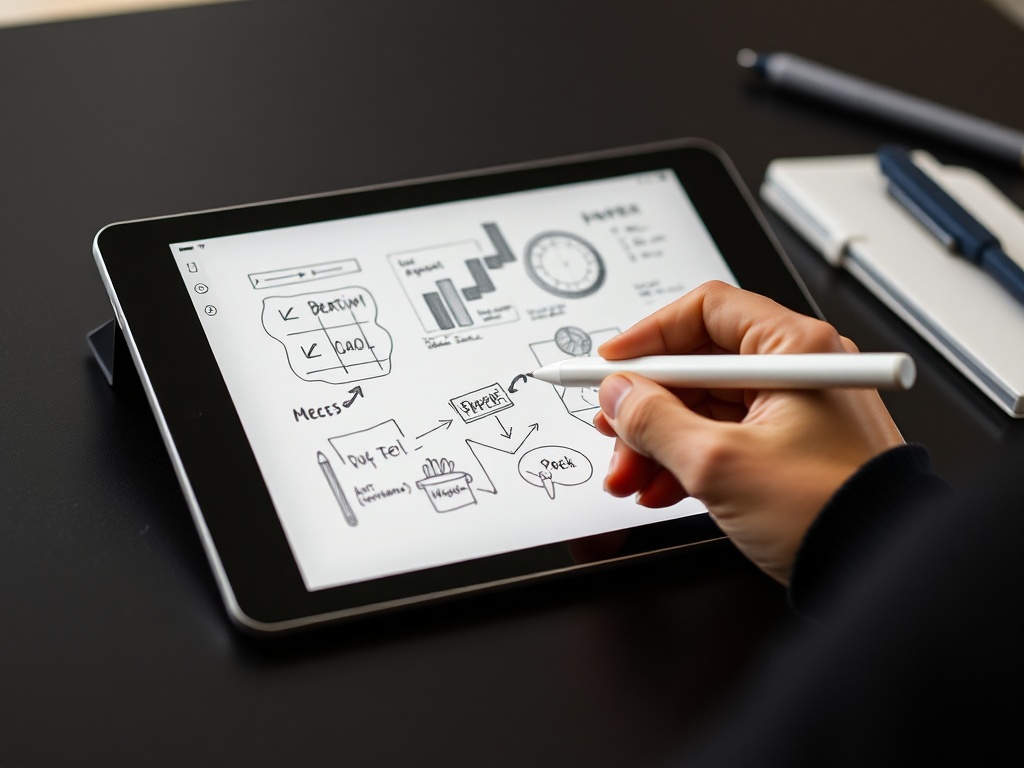
The Apple Pencil isn’t just for artists. It’s one of the fastest ways to capture ideas, sketch workflows, or annotate documents.
Hidden benefit: It changes how you think—more spatial, less linear.
5. External SSD (Your Safety Net)
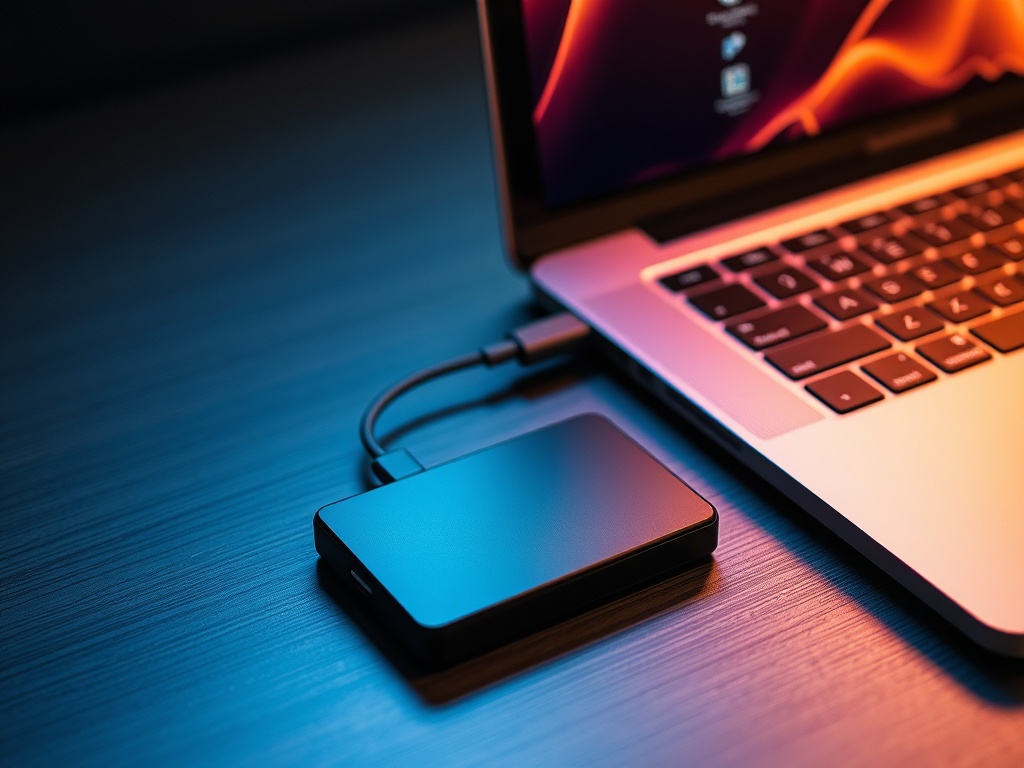
Cloud storage is convenient. Local backups are essential. A fast SSD gives you control over your data and peace of mind.
Pro tip: Use Time Machine + SSD for automatic backups.
6. USB-C Hub (The Real MacBook Upgrade)
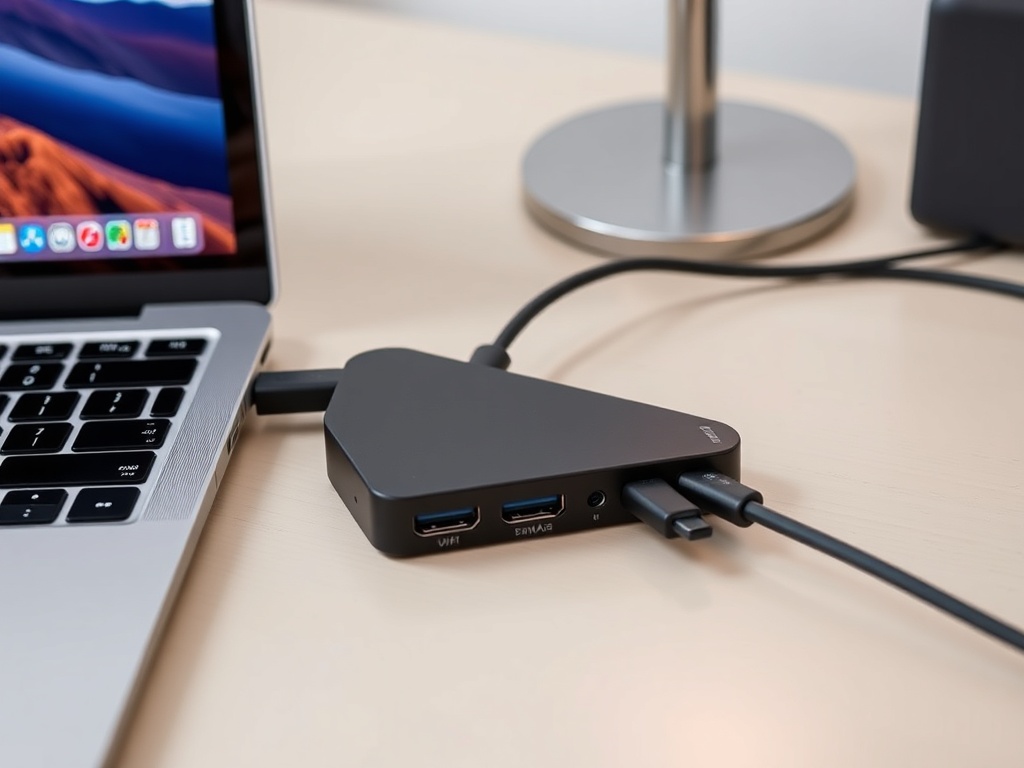
Modern MacBooks are minimal. Your workflow probably isn’t. A USB-C hub restores flexibility—HDMI, SD cards, Ethernet, and more.
Bottom line: It turns one port into many without thinking about it.
7. Magic Keyboard with Trackpad (iPad Transformation)
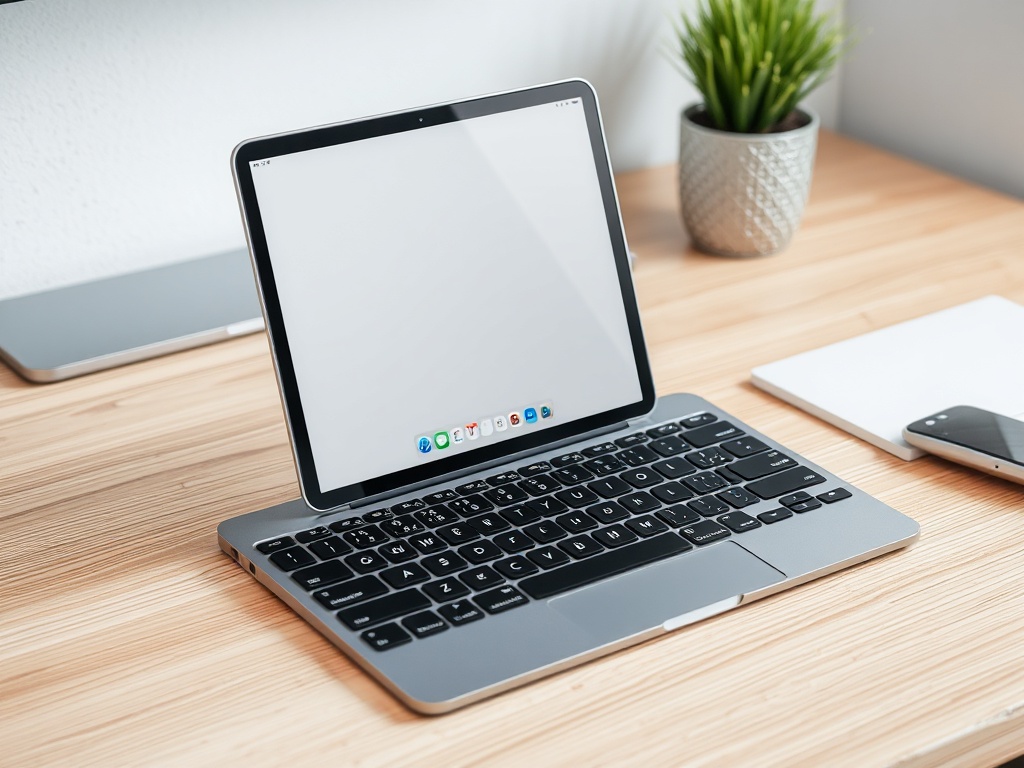
This accessory changes the role of the iPad entirely. It becomes a lightweight laptop replacement with a surprisingly good typing experience.
Ideal for: Travel, writing, and quick work sessions.
8. Apple Watch (Micro-Productivity Tool)
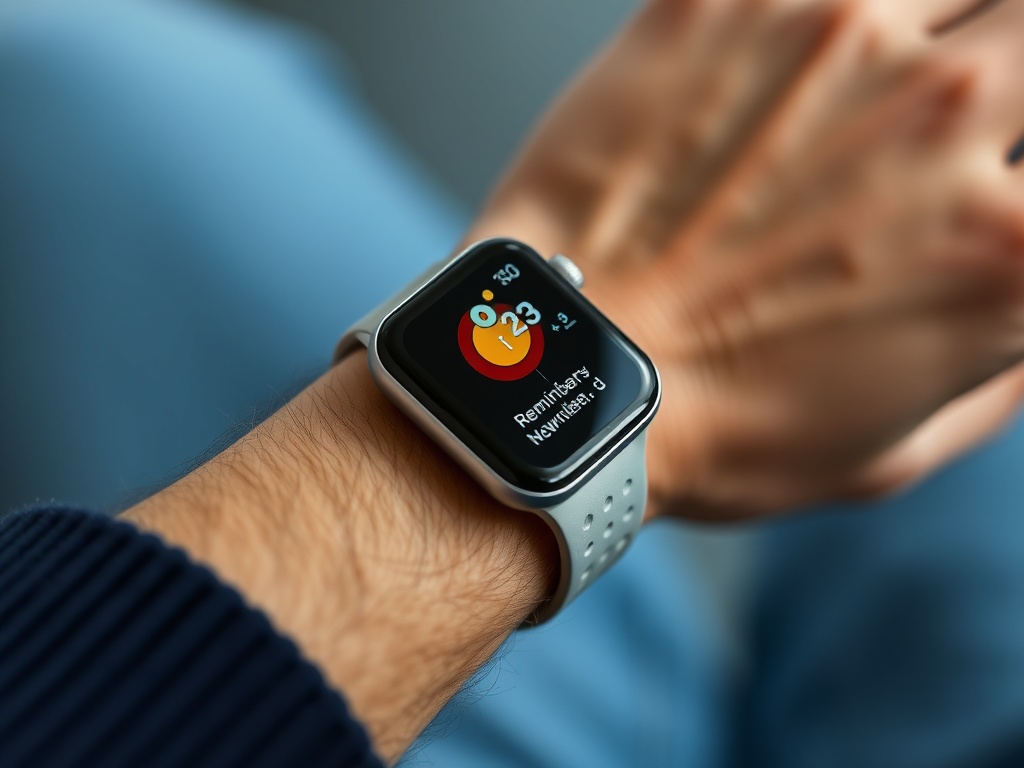
The Apple Watch isn’t about apps—it’s about reducing interruptions. Quick glances replace phone pickups.
Impact: Less distraction, faster decisions.
9. Laptop Stand (Posture Fix You’ll Feel Immediately)
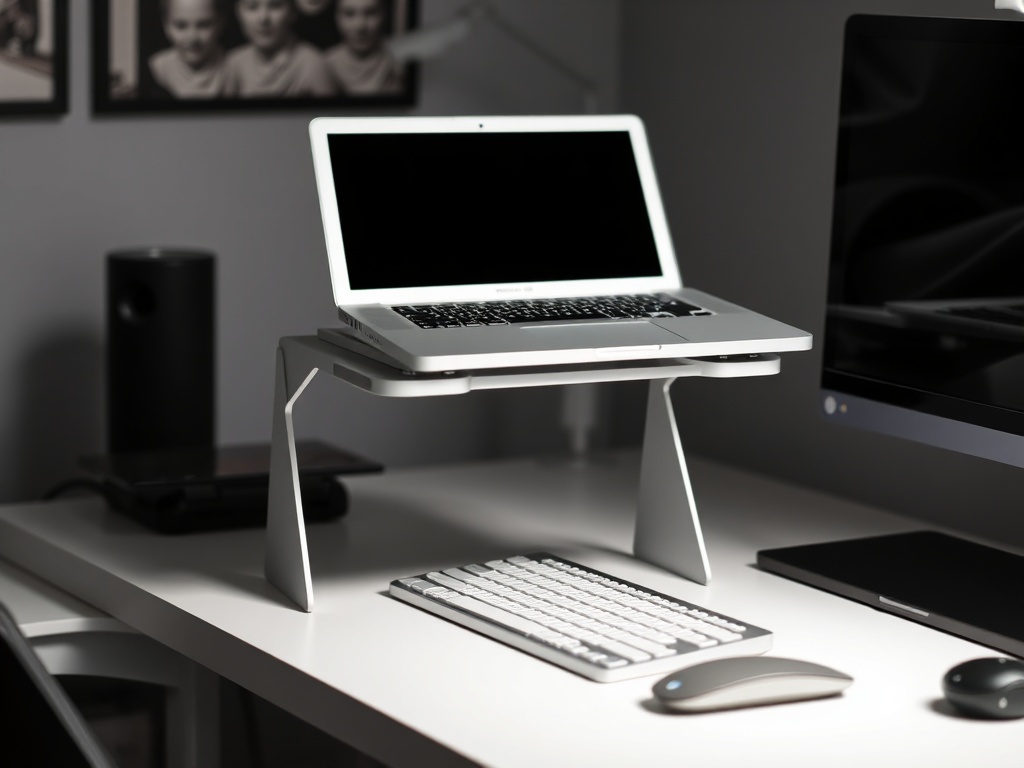
Raising your MacBook to eye level fixes posture instantly. Pair it with an external keyboard and mouse, and you have a workstation that feels intentional.
Result: Less neck strain, longer focus sessions.
10. Portable Power Bank (Freedom from Outlets)
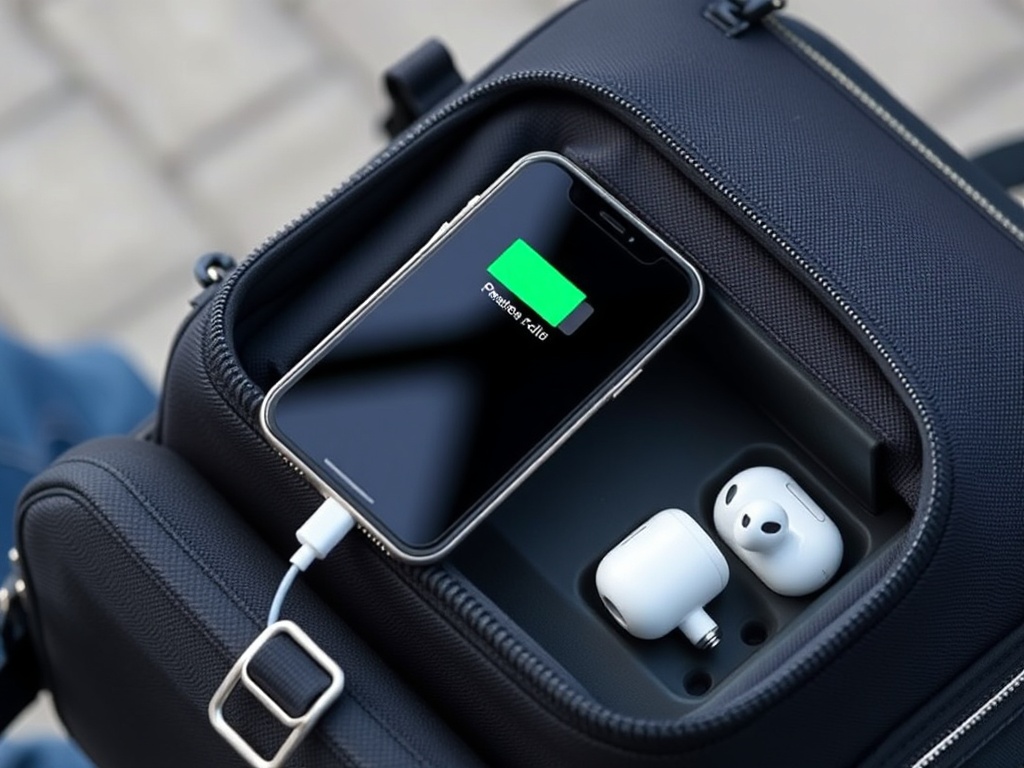
Battery anxiety breaks focus. A reliable power bank keeps your devices alive during long days or travel.
Key benefit: You stop planning your day around battery life.
11. Screen Cleaning Kit (Clarity Matters)

It sounds trivial until you try it. Clean screens reduce eye strain and improve perceived sharpness.
Simple win: 30 seconds, noticeable difference.
12. Desk Cable Management System (Invisible Upgrade)
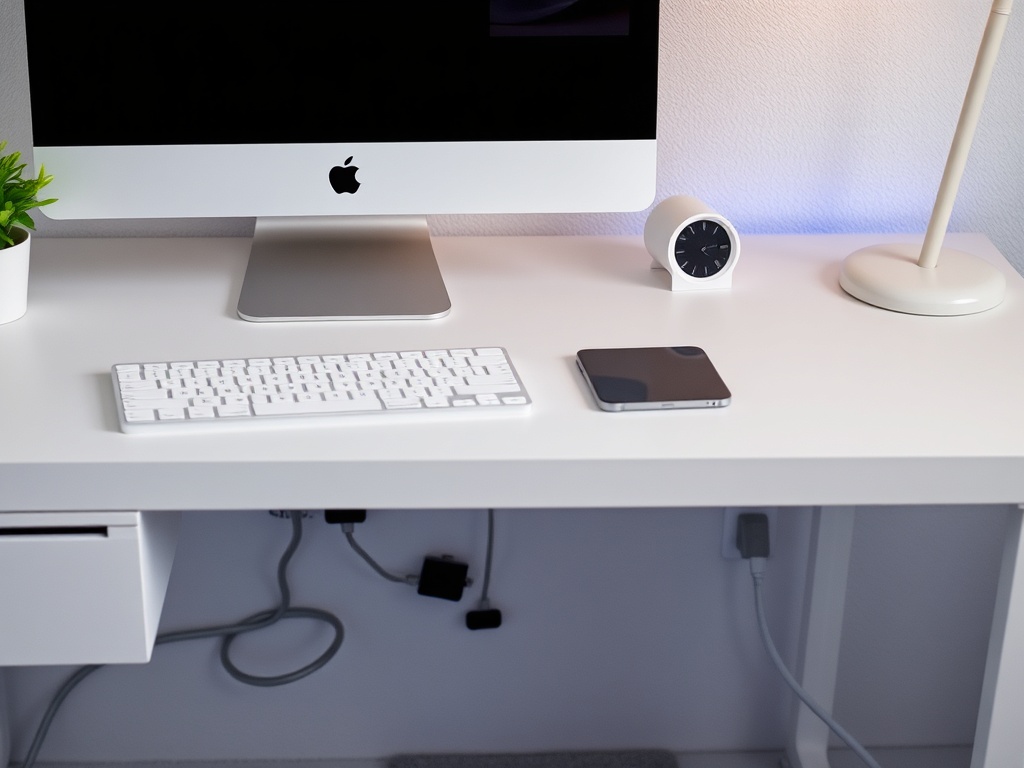
Messy cables create visual noise. A simple cable management system makes your workspace feel calmer and more intentional.
Outcome: Better focus without realizing why.
Final Thoughts
The best Apple accessories don’t scream for attention—they quietly remove friction. Each item on this list solves a small problem. Together, they reshape how your day flows.
If you’re upgrading your setup, start with the accessory that removes your biggest daily annoyance. That’s where the real value is.