10 Apple Products That Are Actually Worth Buying in 2026 (And What to Skip)

MacBook Air (M3 or newer)
iPhone 15 (or newer base model)
AirPods Pro (2nd Gen or newer)
Apple Watch Series (not Ultra, for most people)
iPad Air
Apple Pencil (USB-C or 2nd Gen)
Mac Mini
iCloud+ Storage Plans
MagSafe Accessories (Selective picks)
Refurbished Apple Products (Official Store)
Apple’s lineup has never been bigger—or more confusing. Between yearly refresh cycles, overlapping product tiers, and subtle spec differences, it’s easy to overspend on features you’ll never use or miss out on upgrades that genuinely matter.
This guide cuts through the noise. These are the Apple products that justify their price in 2026, based on real-world usefulness, longevity, and overall value—not spec-sheet hype.
1. MacBook Air (M3 or newer)
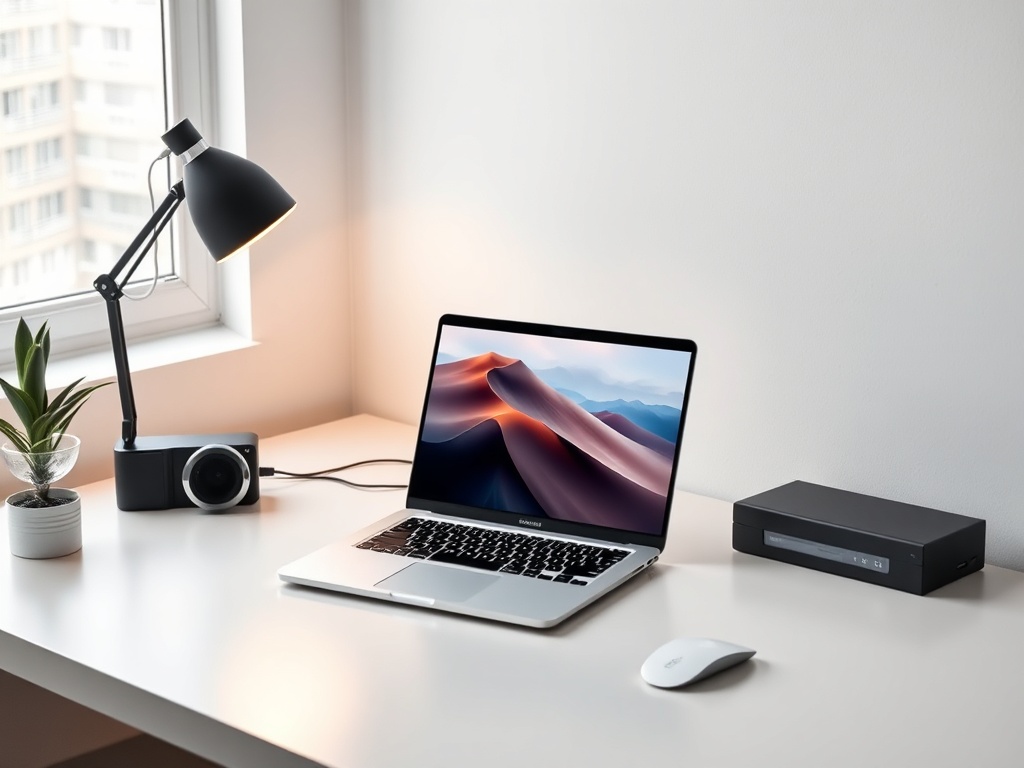
The MacBook Air has quietly become the default laptop for almost everyone. With Apple silicon continuing to improve, even base configurations handle demanding workflows—photo editing, light video work, coding—without breaking a sweat.
Why it’s worth it:
- Fanless design with excellent battery life (often 15–18 hours real use)
- Performance that rivals older “Pro” machines
- Lightweight enough to actually carry everywhere
If you’re not doing sustained 4K video editing or heavy 3D rendering, you don’t need a MacBook Pro.
2. iPhone 15 (or newer base model)
The base iPhone has reached a point where it delivers nearly everything most users need. High-end features have trickled down, and the differences between Pro and non-Pro models are increasingly niche.
Why it’s worth it:
- Excellent camera system for everyday photography
- Long software support lifespan
- USB-C finally standardizes charging
Unless you specifically want ProMotion or advanced camera zoom, save your money here.
3. AirPods Pro (2nd Gen or newer)
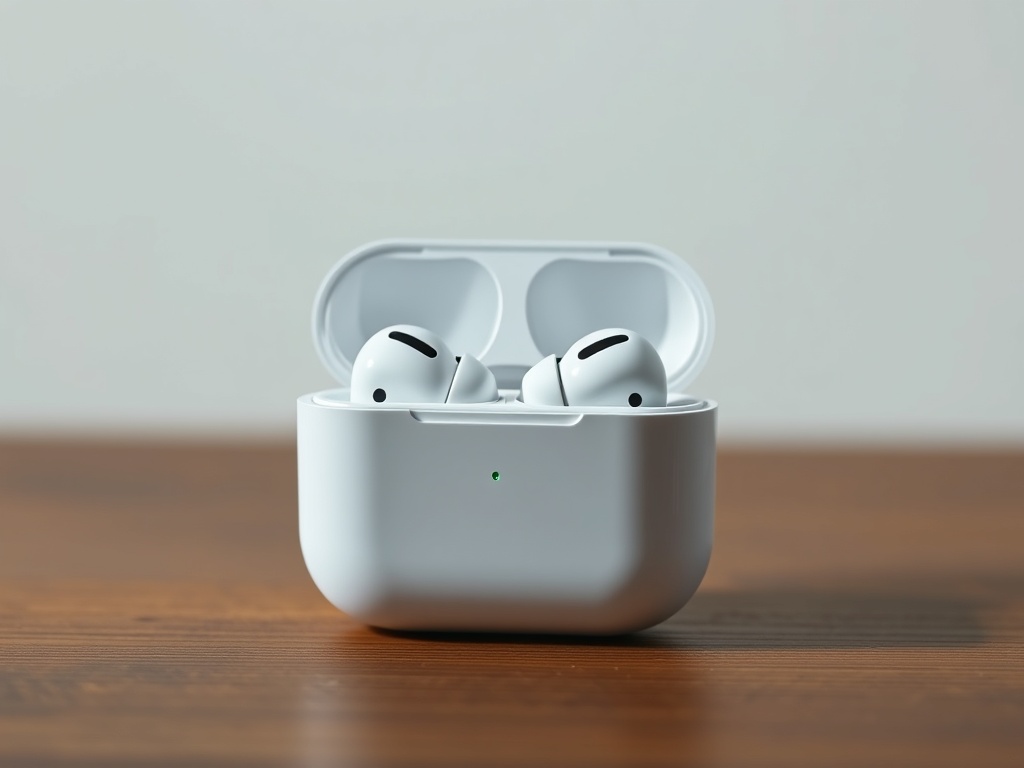
These remain the best balance of convenience, sound quality, and ecosystem integration. Noise cancellation is strong enough for travel, and transparency mode feels natural instead of artificial.
Why it’s worth it:
- Seamless switching across Apple devices
- Industry-leading noise cancellation in this size
- Comfortable for long listening sessions
For most people, these outperform bulkier headphones simply because you’ll actually use them more.
4. Apple Watch Series (not Ultra, for most people)
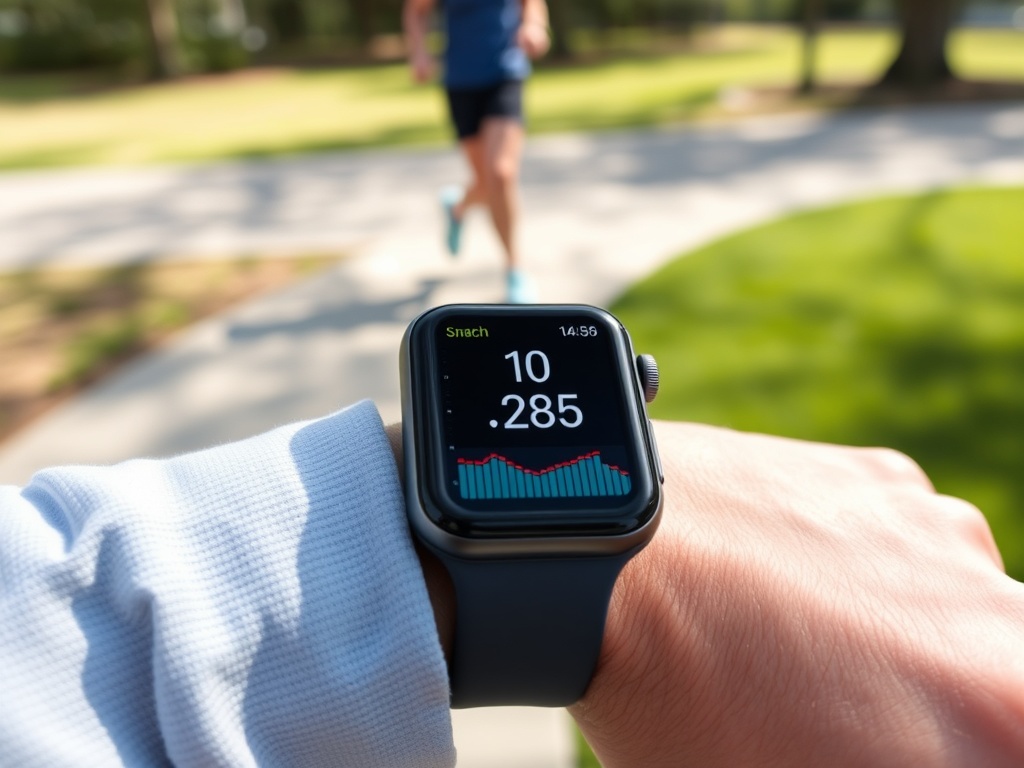
The standard Apple Watch continues to be the best wearable for iPhone users. Health tracking, notifications, and daily convenience features make it more useful than it looks on paper.
Why it’s worth it:
- Best-in-class health tracking ecosystem
- Deep iPhone integration
- Enough durability for everyday use
The Ultra is great—but only if you actually need extreme battery life or rugged features.
5. iPad Air
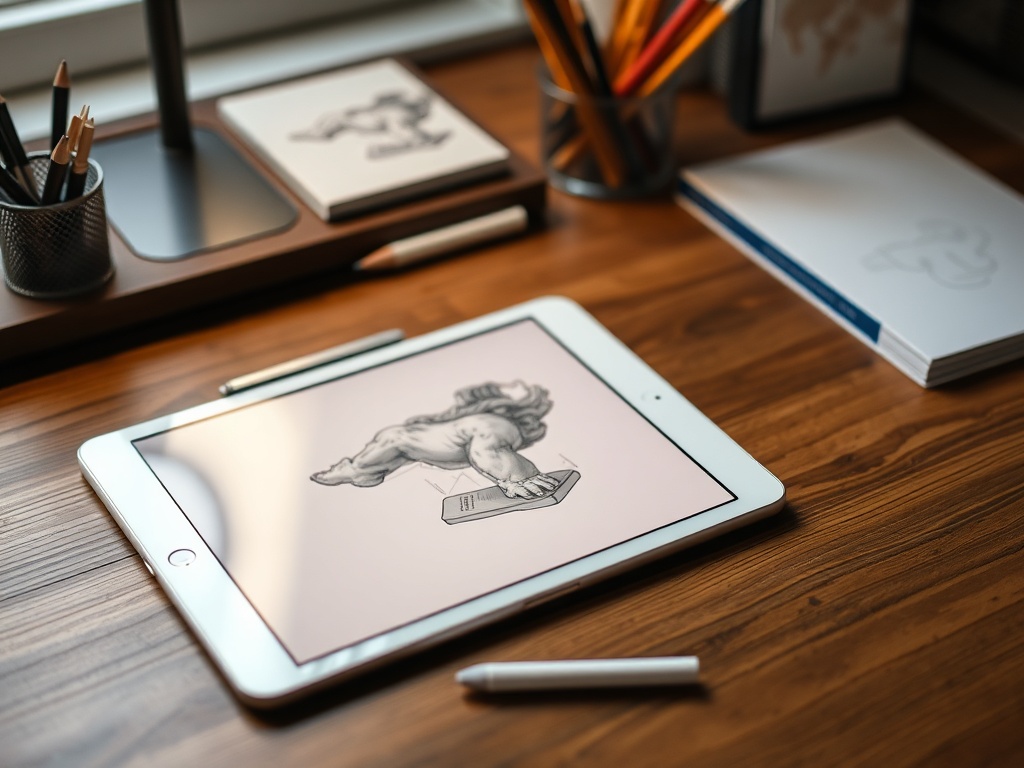
The iPad Air hits the sweet spot between capability and cost. It supports Apple Pencil, handles multitasking well, and avoids the premium pricing of the iPad Pro.
Why it’s worth it:
- Powerful enough for creative and productivity work
- Works with modern accessories
- Significantly cheaper than Pro models
For note-taking, media, and light work, this is the iPad to buy.
6. Apple Pencil (USB-C or 2nd Gen)
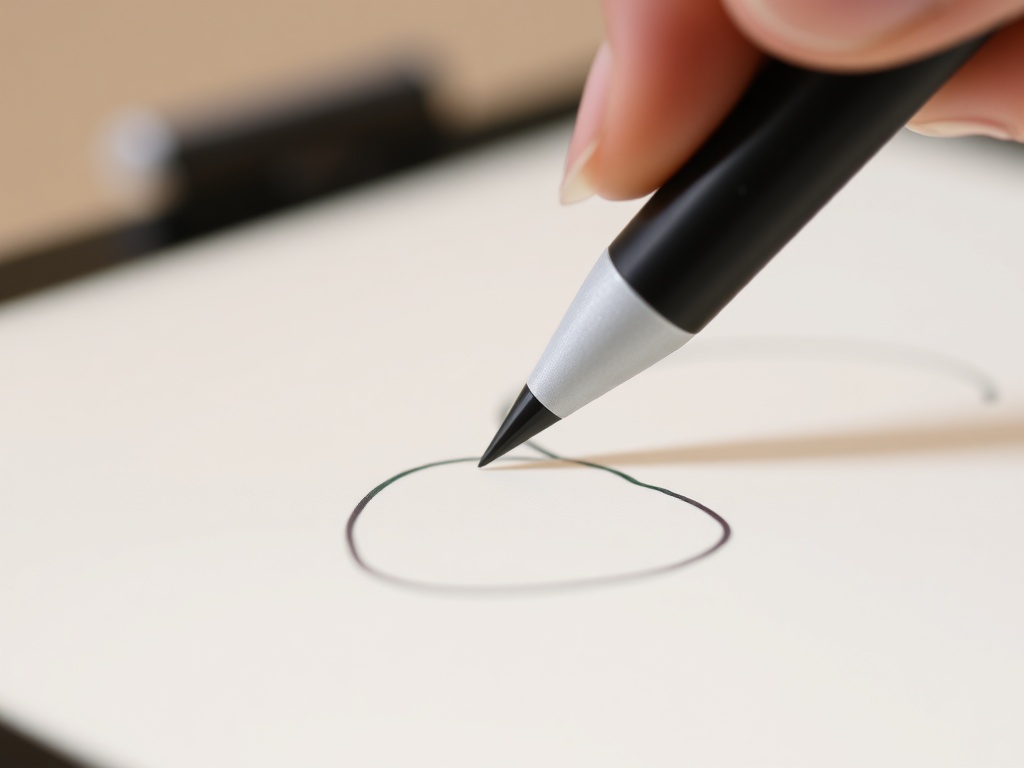
If you own an iPad Air or Pro, the Apple Pencil transforms it from a consumption device into a creation tool.
Why it’s worth it:
- Precision input for notes, sketches, and markup
- Low latency makes it feel natural
- Expands what your iPad can actually do
This is one of those accessories that changes how you use the device entirely.
7. Mac Mini
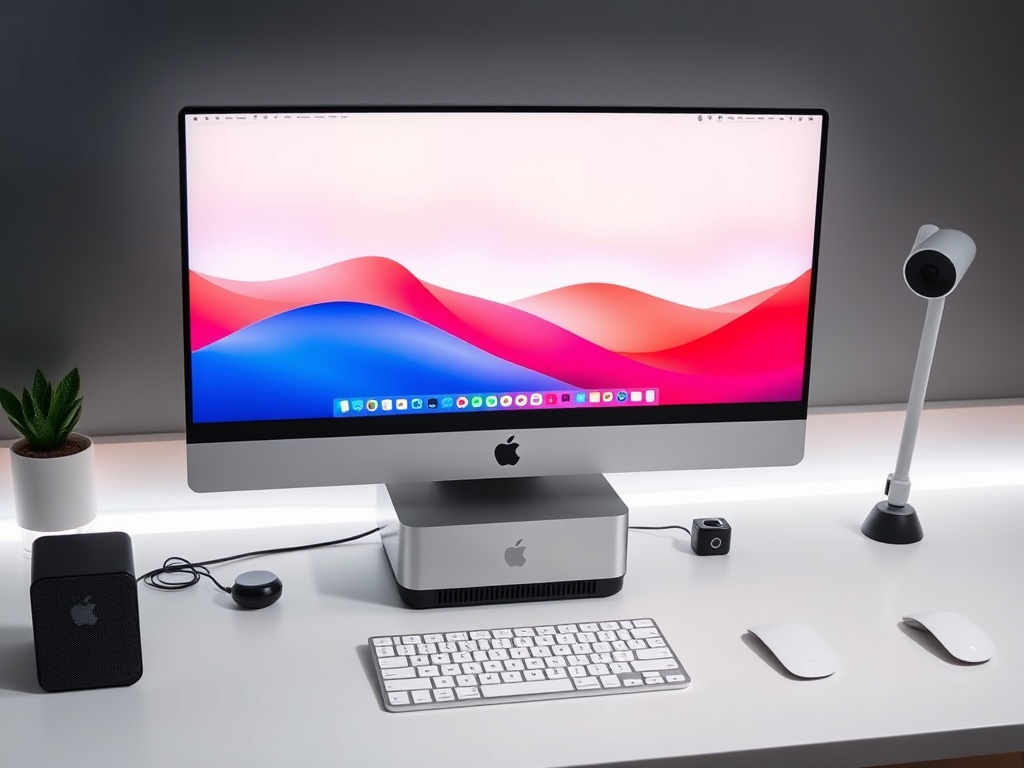
The Mac Mini is Apple’s best value desktop—full stop. If you already have a monitor, it’s the cheapest way into serious Mac performance.
Why it’s worth it:
- High performance per dollar
- Compact, silent design
- Great for home offices and developers
It’s often a smarter buy than an iMac unless you specifically want an all-in-one.
8. iCloud+ Storage Plans
This isn’t hardware, but it’s one of Apple’s most underrated purchases. Once your photos, backups, and files are synced, your devices feel like one continuous system.
Why it’s worth it:
- Automatic backups across devices
- Seamless file access everywhere
- Improved privacy features
It’s a small monthly cost that removes a lot of friction.
9. MagSafe Accessories (Selective picks)
MagSafe can be gimmicky—but a few accessories are genuinely useful.
Worth buying:
- MagSafe charger for convenience
- MagSafe wallet for minimal carry setups
Skip: bulky battery packs unless you truly need them.
10. Refurbished Apple Products (Official Store)
Apple’s certified refurbished program is one of the smartest ways to save money without sacrificing reliability.
Why it’s worth it:
- Like-new condition with warranty
- Lower cost for previous-gen hardware
- Environmentally better choice
In many cases, last year’s model is nearly identical in real-world performance.
What to Skip (Most of the Time)
- Maxed-out storage upgrades: cloud + external storage is usually cheaper
- iPad Pro for casual users: overkill unless you need specific features
- Apple Watch Ultra: unnecessary for everyday use
- High-end MacBook Pro: only worth it for sustained pro workloads
Final Take
The best Apple products aren’t always the most expensive—they’re the ones you’ll actually use every day. In 2026, Apple’s lineup rewards restraint. Buy for your workflow, not the spec sheet, and you’ll end up with a setup that feels faster, simpler, and more cohesive.